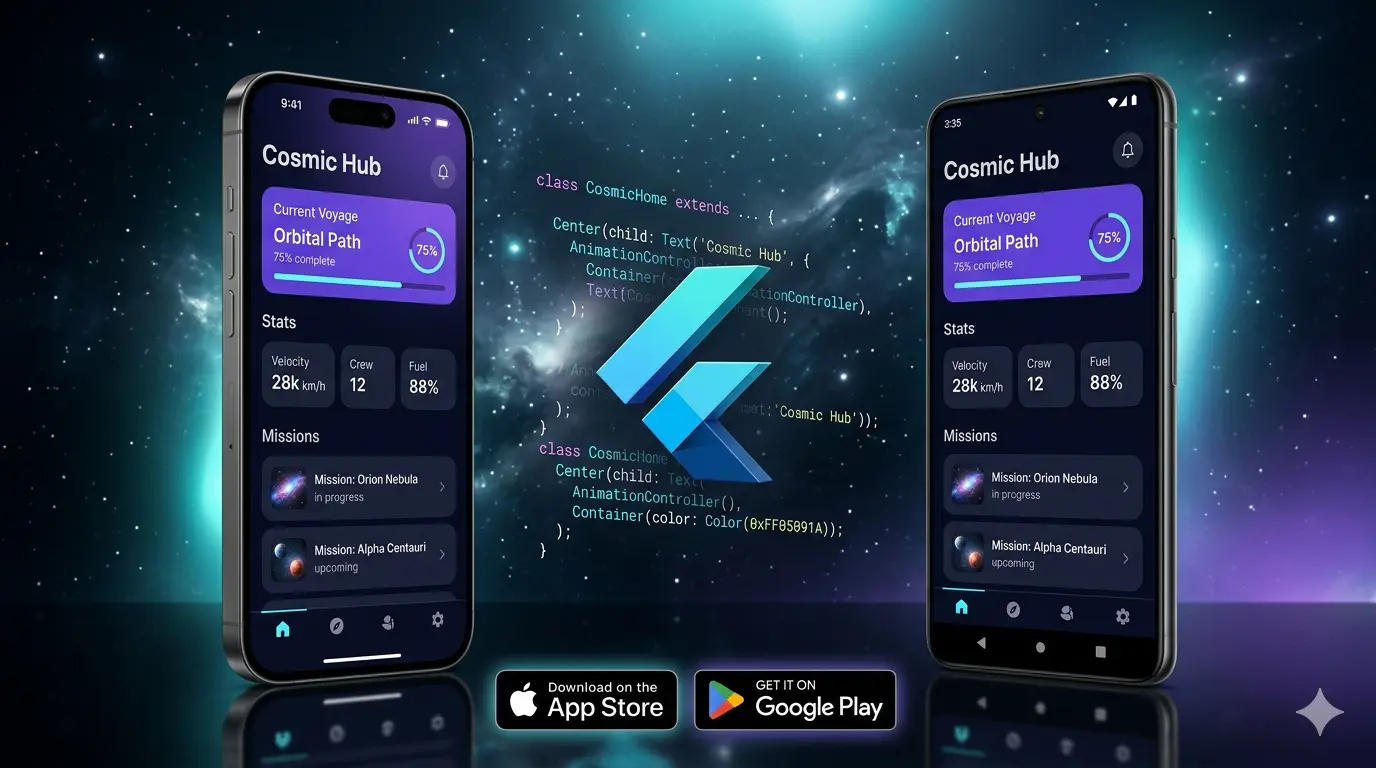
Building a mobile app used to mean choosing between building twice — once for iOS in Swift, once for Android in Kotlin — or accepting the performance compromises of early cross-platform solutions. Flutter changed that equation fundamentally.
In 2026, Flutter is the leading cross-platform mobile development framework — chosen by Google, BMW, eBay, and thousands of businesses worldwide to deliver native-quality iOS and Android apps from a single codebase. This guide explains everything you need to know about Flutter app development — how it works, what it costs in India, when to choose it, and how to hire the right Flutter developer.
| 📱 Flutter at a Glance (2026) |
| • One codebase → iOS + Android + Web + Desktop (write once, deploy everywhere) |
| • 60/120fps rendering — smoother animations than most native apps |
| • Used by: Google Pay, BMW, eBay, Alibaba, Nubank, and 1M+ developers worldwide |
| • App development cost in India: ₹80,000 – ₹8,00,000+ depending on complexity |
What Is Flutter and How Does It Work?
Flutter is an open-source UI framework created by Google, using the Dart programming language. Unlike React Native — which translates JavaScript to native components — Flutter takes a fundamentally different approach: it renders everything itself using its own high-performance graphics engine (Skia/Impeller), bypassing the operating system’s UI components entirely.
This means two critical things for your app:
- Pixel-perfect consistency across iOS and Android — your app looks identical on both platforms because Flutter draws every pixel itself, rather than relying on platform components that look different on each OS.
- Exceptional performance — because Flutter communicates directly with the GPU rather than going through a JavaScript bridge (React Native’s bottleneck), animations run at 60fps or 120fps on supported devices.
Flutter vs Native Development: The Architecture Difference
| Approach | How It Works | Cost Multiplier |
| Native iOS (Swift) | Platform-specific, maximum performance, iOS only | 1x (iOS cost only) |
| Native Android (Kotlin) | Platform-specific, maximum performance, Android only | 1x (Android cost only) |
| Native Both | Two separate codebases, two development teams | 2x cost + time |
| Flutter | One codebase, near-native performance, iOS + Android + Web | 1x (both platforms) |
| React Native | JavaScript bridge to native, moderate performance | 1x (but slower UI) |
Flutter vs React Native in 2026: Honest Comparison
This is the question most clients ask first. Both are legitimate cross-platform frameworks — the right choice depends on your specific project requirements:
| Factor | Flutter | React Native |
| Performance | Excellent (direct GPU rendering) | Good (JS bridge overhead) |
| Animation Quality | Outstanding (60/120fps native) | Good (can stutter on complex scenes) |
| UI Consistency | Pixel-perfect across platforms | Varies (uses platform components) |
| Language | Dart (must learn) | JavaScript/TypeScript (familiar) |
| Ecosystem / Packages | Large and growing (pub.dev) | Larger (npm ecosystem) |
| Web + Desktop Support | Yes (Flutter Web, macOS, Windows) | Limited (React Native Web) |
| Best For | UI-heavy apps, fintech, health, custom UX | Web-first teams adding mobile |
| 2026 Momentum | Growing rapidly | Stable |
Our recommendation: For UI-intensive apps (fintech, health, fitness, eCommerce, custom enterprise tools), Flutter consistently delivers better results. For teams with strong JavaScript experience who need a web + mobile solution with shared code, React Native is viable. When in doubt, choose Flutter for a new project — the performance ceiling is higher.
What Types of Apps Work Best With Flutter?
1. Fitness and Health Apps
Flutter’s animation engine makes it ideal for health apps where smooth, real-time UI feedback matters — workout timers, progress rings, live heart rate displays, and motion-based exercise tracking. Integration with HealthKit (iOS) and Google Fit (Android) is available through Flutter packages, allowing a single codebase to access platform health data on both operating systems.
2. Fintech and Banking Apps
Nubank — one of the world’s largest digital banks with 80+ million customers — uses Flutter for their customer app. The security requirements (biometric authentication, encrypted storage, secure API communication), the real-time data visualization (charts, portfolio views), and the need for identical UX across iOS and Android make Flutter the natural choice for financial applications.
3. eCommerce Mobile Apps
An eCommerce app needs fast image loading, smooth scrolling through product grids, instant search, and a frictionless checkout. Flutter handles all of this while integrating with Razorpay, Stripe, PayU, or any payment gateway through their official Flutter SDKs. A Flutter eCommerce app can connect directly to a Shopify store via the Storefront API, creating a native mobile experience for your Shopify business.
4. SaaS Mobile Dashboards
If you have a SaaS web platform, a Flutter mobile app extends your reach to mobile users without rebuilding the backend. The Flutter app calls your existing REST or GraphQL API, shares authentication with your web app, and delivers a native mobile experience to your customers — adding mobile revenue to your existing SaaS without duplicating infrastructure.
5. Enterprise Internal Tools
Field service apps, inventory management tools, delivery tracking, inspection checklists — enterprise use cases where staff need reliable, fast mobile tools. Flutter’s offline-first capabilities (with Hive or Isar for local storage) make it excellent for apps that need to function in areas with poor connectivity.
Flutter Tech Stack: Complete Production Setup
Here’s the technology stack used in a properly built Flutter production app in 2026:
Core Framework
Flutter 3.x with Dart 3 — null safety as standard. Bloc or Riverpod for state management (both are production-proven; Riverpod is gaining adoption for its cleaner API). GoRouter for declarative navigation with deep linking support.
Backend and APIs
Firebase for authentication, Firestore or Realtime Database, Cloud Functions, and FCM push notifications. For more complex business logic — custom REST or GraphQL API built with Node.js/NestJS, connecting to PostgreSQL or MongoDB. Dio HTTP client with interceptors for auth token management and error handling.
Key Feature Integrations
RevenueCat for in-app subscriptions and purchases (handles App Store + Google Play billing in one SDK). Stripe or Razorpay Flutter SDKs for direct payment processing. OneSignal for push notifications. Sentry for error monitoring. Firebase Analytics for user behaviour tracking.
Testing
Unit tests for business logic, widget tests for UI components, integration tests for critical user journeys (login, checkout, onboarding). A minimum of 70% test coverage on all new projects.
Flutter App Development Cost in India (2026)
| App Type | Timeline | Cost (INR) |
| Simple app (3–5 screens, Firebase backend) | 3–5 weeks | ₹40,000 – ₹80,000 |
| Medium app (10–20 screens, custom API) | 6–10 weeks | ₹1,00,000 – ₹3,00,000 |
| eCommerce / Marketplace app | 10–16 weeks | ₹2,00,000 – ₹5,00,000 |
| Fintech / Health app (complex integrations) | 12–20 weeks | ₹3,00,000 – ₹8,00,000 |
| Enterprise app (custom backend + admin) | 16–28 weeks | ₹5,00,000 – ₹15,00,000+ |
What’s included: UI design from Figma, Flutter development for iOS and Android, backend integration, testing on real devices, App Store and Google Play submission, and 30 days post-launch support. All Flutter projects at The Shopify Workshop are fixed-price — no hourly billing surprises.
App Store Submission: What You Need to Know
Apple App Store Requirements
You need an Apple Developer account ($99/year). App review takes 1–3 business days. Apps must comply with Apple’s Human Interface Guidelines and privacy requirements — including providing a privacy policy, handling data usage disclosures, and implementing App Tracking Transparency for analytics.
Google Play Store Requirements
Google Play Developer account costs a one-time $25. Review typically takes 1–7 days for new apps. Google’s policies on data safety declarations require you to disclose exactly what data your app collects and how it’s used — this needs to be accurate or your app risks removal.
Both submission processes are handled by our team as part of every Flutter project delivery — including creating app listings, preparing screenshots and metadata, and managing the initial review communication if issues arise.
5 Questions to Ask Before Hiring a Flutter Developer
1. Can You Share Your App Store Profiles?
Ask for links to live apps they’ve published on the App Store and Google Play. Not screenshots — actual published apps. Download one. Check the rating. Read recent reviews. This is the only reliable way to verify real delivery capability.
2. What State Management Solution Do You Use and Why?
Correct answers in 2026: Bloc, Riverpod, or GetX (though GetX is controversial for its approach). Any of these is valid — what matters is that they have a clear architectural reason for their choice. “setState everywhere” for a medium-complexity app is a red flag.
3. How Do You Handle Offline Functionality?
Any serious Flutter developer should be able to discuss local storage (Hive, Isar, SharedPreferences), network-aware state, and sync strategies. Apps that crash or show blank screens without internet are a sign of shallow implementation.
4. How Do You Test the App?
Look for unit tests, widget tests, and integration tests as part of their standard delivery. Also ask whether they test on real devices across multiple Android versions, not just the simulator — Android fragmentation is a real challenge that simulators don’t expose.
5. Do You Handle App Store Submission?
Many developers deliver an APK file and consider the job done. A complete Flutter development service includes App Store and Google Play submission, handling review feedback, and ensuring your app is live before the project is closed out.
Conclusion: Flutter Is the Smart Choice for Cross-Platform Apps in 2026
Flutter delivers something that was genuinely difficult before it existed: native-quality apps for both iOS and Android, built once, at the cost of a single platform. For businesses that need a mobile app without the budget for two separate native development teams, Flutter is the single best option available in 2026.
The average App Store rating of 4.8★ across Flutter apps in our portfolio reflects what well-implemented Flutter can deliver — not just for the client, but for their end users who care nothing about the framework underneath, only about whether the app is fast, beautiful, and reliable.
At The Shopify Workshop, we build Flutter apps from Figma to App Store — UI design, development, Firebase integration, testing, and submission. MVPs shipped in as little as 10 weeks, with a fixed price and no billing surprises.
→ Start your Flutter app — get a free proposal at theshopifyworkshop.com/