Why AJAX Cart Matters for Conversions
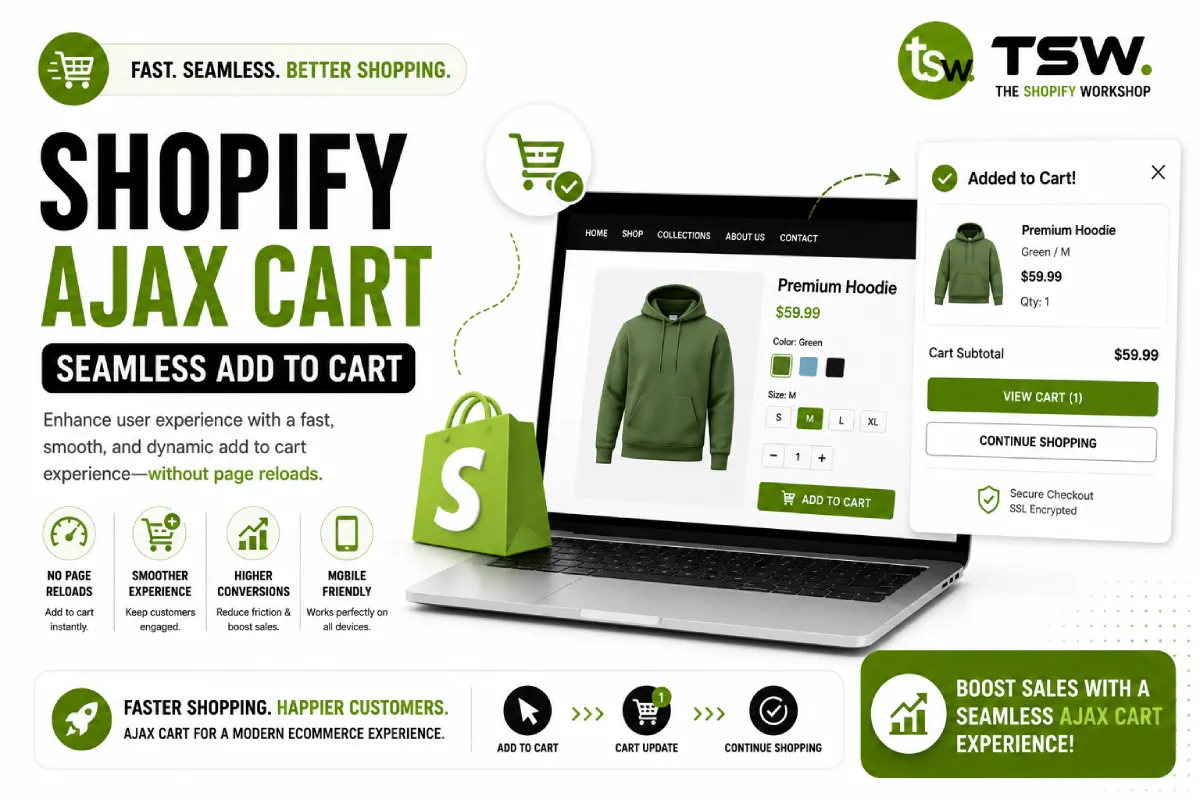
Traditional page-refresh cart interactions break the shopping flow. Customers adding items are redirected away from product browsing, increasing the chance they leave. An AJAX cart keeps shoppers in flow while confirming their selections, directly improving conversion rates.
Cart Architecture Options
Slide-Out Cart Drawer
The most popular pattern — a panel slides in from the right showing cart contents. Customers view, edit, and proceed to checkout without leaving their current page. Our custom themes include polished cart drawer implementations.
Mini Cart Dropdown
A compact cart summary drops down from the header cart icon on hover or click. Best for stores with typically small cart sizes (1-3 items). Less intrusive than a full drawer but offers limited space for upsells.
Cart Page
A dedicated cart page still works well when combined with AJAX add-to-cart. The product page uses AJAX to add items and show confirmation, then the cart page handles detailed editing and checkout preparation.
Implementation with the Cart API
Core Endpoints
Shopify’s Cart API provides endpoints for all cart operations — /cart/add.js, /cart/update.js, /cart/change.js, and /cart.js for fetching current state. All return JSON, making them perfect for JavaScript-driven interfaces.
Add to Cart Flow
Intercept the add-to-cart form submission, POST to /cart/add.js with variant ID and quantity, handle the JSON response, update the cart UI, and show confirmation. Handle errors gracefully — out-of-stock variants, quantity limits, and network failures.
Cart Update and Remove
Use /cart/change.js with the line item key and new quantity (0 to remove). Update totals, line prices, and shipping estimates dynamically. Animate removed items for a polished feel.
Enhancing the Cart Experience
Cross-Sell Recommendations
Display complementary products in the cart drawer based on cart contents. Use the Product Recommendations API or metafield-based associations. In-cart upsells can increase AOV by 10-25%.
Free Shipping Progress Bar
Show customers how close they are to free shipping with a visual progress bar. This simple addition motivates adding more items and reduces cart abandonment caused by unexpected shipping costs.
Cart Notes and Gift Options
Allow customers to add order notes, gift messages, and special instructions directly in the cart. These personalisation options improve customer satisfaction and differentiate your store.
Performance Considerations
- Debounce quantity change inputs to prevent excessive API calls
- Use optimistic UI updates — show changes immediately, then sync with the server
- Preload the cart drawer HTML on page load but hide it until triggered
- Minimise the JavaScript footprint — vanilla JS outperforms jQuery for cart interactions
Accessibility
Cart drawers must be keyboard navigable with proper focus trapping. Use ARIA roles and labels. Announce cart updates to screen readers using live regions. Test with assistive technologies to ensure an inclusive shopping experience.
Want a conversion-optimised cart for your store? Talk to our UX development team.