Beyond Standard Shopify Fields
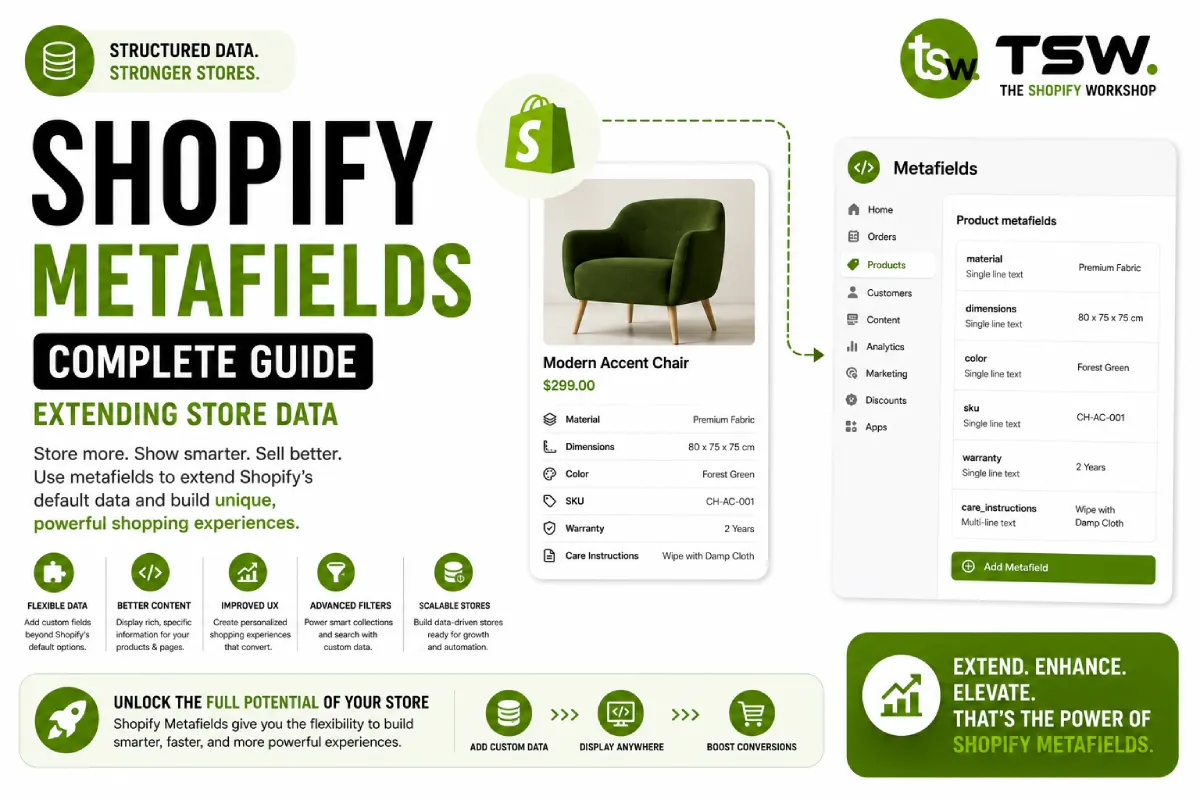
Shopify’s standard product fields cover the basics — title, description, price, variants. But real ecommerce needs go further. Metafields let you attach custom data to products, collections, customers, orders, and more. This powers rich product experiences without custom app development.
Metafield Types and Definitions
Standard Metafield Types
Shopify supports rich text, single line text, integer, decimal, date, JSON, URL, colour, dimension, weight, volume, rating, file reference, product reference, collection reference, and more. Choose the right type for validation and proper theme editor rendering.
Creating Definitions
Always create metafield definitions through the Shopify admin or API. Definitions enforce data types, add validation, and make metafields available as dynamic sources in the theme editor. Undeclared metafields still work but lack editor integration.
Common Use Cases
Product Specifications
Materials, dimensions, care instructions, certifications, and compatibility information. Use dimension and weight types for proper unit handling. Rich text type allows formatted specification sheets.
SEO Enhancement
Custom FAQ content for schema markup, additional structured data fields, and alternative descriptions for specific marketing channels. Enhances your SEO strategy with richer product information.
Cross-Selling Data
Product reference metafields link related products, accessories, and frequently bought together items. This data powers personalised recommendations and bundle suggestions that increase average order value.
Content Customisation
Badge text, promotional labels, video URLs, size guides, and ingredient lists. Merchants update these through the admin without code changes — exactly the kind of flexibility modern custom themes should provide.
Metaobjects: Custom Content Types
When to Use Metaobjects
Metaobjects define structured content types beyond Shopify’s built-in resources. Create content types for designers, stores, press mentions, awards, or any repeatable structured content your store needs.
Building with Metaobjects
Define the metaobject type with its fields, then create entries through the admin. Reference metaobjects in theme sections using dynamic sources. This creates a mini-CMS within Shopify, managed entirely through native tools.
Dynamic Sources in Themes
Connect metafield data to section settings using dynamic sources. A product page section can pull care instructions from a metafield, display them in an accordion, and let merchants choose which metafield to display — all without code changes.
API Access and Automation
Access metafields through the Admin API for bulk updates, imports, and automated data management. GraphQL mutations efficiently create and update metafields in batches. This enables powerful integrations with PIMs, ERPs, and content management systems.
Best Practices
- Use consistent namespaces to organise metafields logically
- Always create definitions — they unlock theme editor integration
- Validate data at the API level before writing metafield values
- Document your metafield schema for team reference
- Use metaobjects for repeating structured content, metafields for entity-specific data
Need help designing your store’s data architecture? Consult with our Shopify experts.