Why Accessibility Is Non-Negotiable
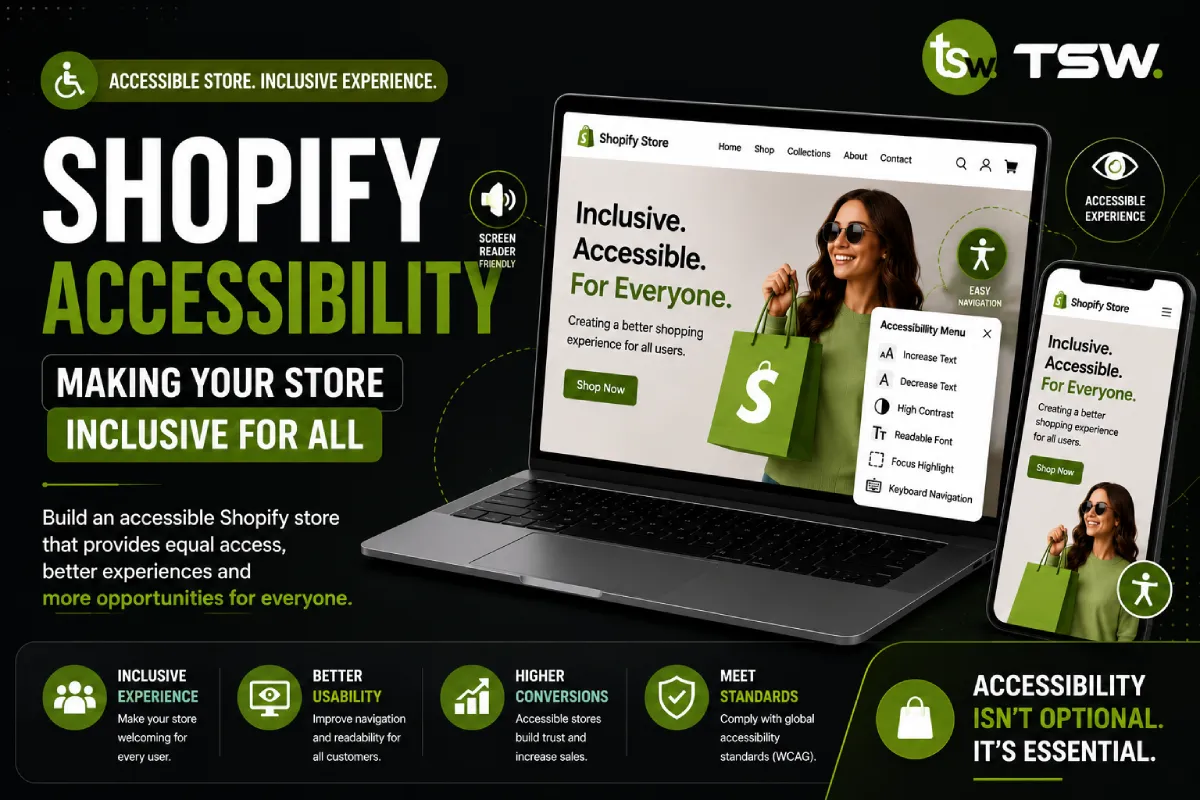
Over 1 billion people worldwide live with some form of disability. In the UK, the purple pound — the spending power of disabled consumers — exceeds £274 billion annually. An inaccessible store excludes potential customers and exposes your business to legal risk. Our custom themes are built with accessibility as a core requirement.
WCAG 2.1 AA Compliance
Perceivable
- Alt text: Every product image needs descriptive alt text for screen readers
- Colour contrast: Minimum 4.5:1 ratio for body text, 3:1 for large text
- Text sizing: Content must be readable at 200% zoom without horizontal scrolling
- Video captions: All video content needs captions and transcripts
Operable
- Keyboard access: Every interactive element must work with keyboard alone
- Skip navigation: Provide skip links to jump past repeated content
- Focus indicators: Visible focus styles on all interactive elements
- No seizure triggers: Avoid flashing content more than three times per second
Understandable
- Language attribute: Declare the page language in the HTML tag
- Consistent navigation: Maintain consistent menu structure across pages
- Error identification: Form errors must be clearly described with suggestions
- Labels: All form inputs need associated labels — placeholder text alone is insufficient
Robust
- Semantic HTML: Use correct heading hierarchy, landmarks, and ARIA roles
- Valid markup: Clean, standards-compliant HTML
- Assistive technology support: Test with actual screen readers, not just automated tools
Common Shopify Accessibility Issues
Product Image Galleries
Ensure gallery navigation works with keyboard arrows, images have meaningful alt text, and zoom functionality is accessible. ARIA labels should describe the current image and total count.
Cart and Checkout
Cart updates must be announced to screen readers using ARIA live regions. Quantity inputs need proper labels. Error messages during checkout must be clearly associated with their respective fields.
Filters and Sorting
Collection filters must be keyboard navigable. Results updates should be announced via live regions. Ensure selected filter states are communicated to assistive technology.
Testing Your Store
Automated Testing
Use axe DevTools, Lighthouse accessibility audit, and WAVE evaluation tool for automated scanning. These catch approximately 30-40% of accessibility issues.
Manual Testing
Navigate your entire store using only a keyboard. Test with VoiceOver (Mac/iOS), NVDA (Windows), and TalkBack (Android). Recruit users with disabilities for real-world usability testing. Manual testing catches the remaining 60-70% of issues.
Accessibility as CRO
Accessible design benefits everyone. Clear navigation helps all users find products faster. Readable text and good contrast improve the experience on mobile in bright sunlight. Keyboard shortcuts power-users appreciate speed up the shopping process.
Want an accessible Shopify store? Commission an accessibility audit from our team.