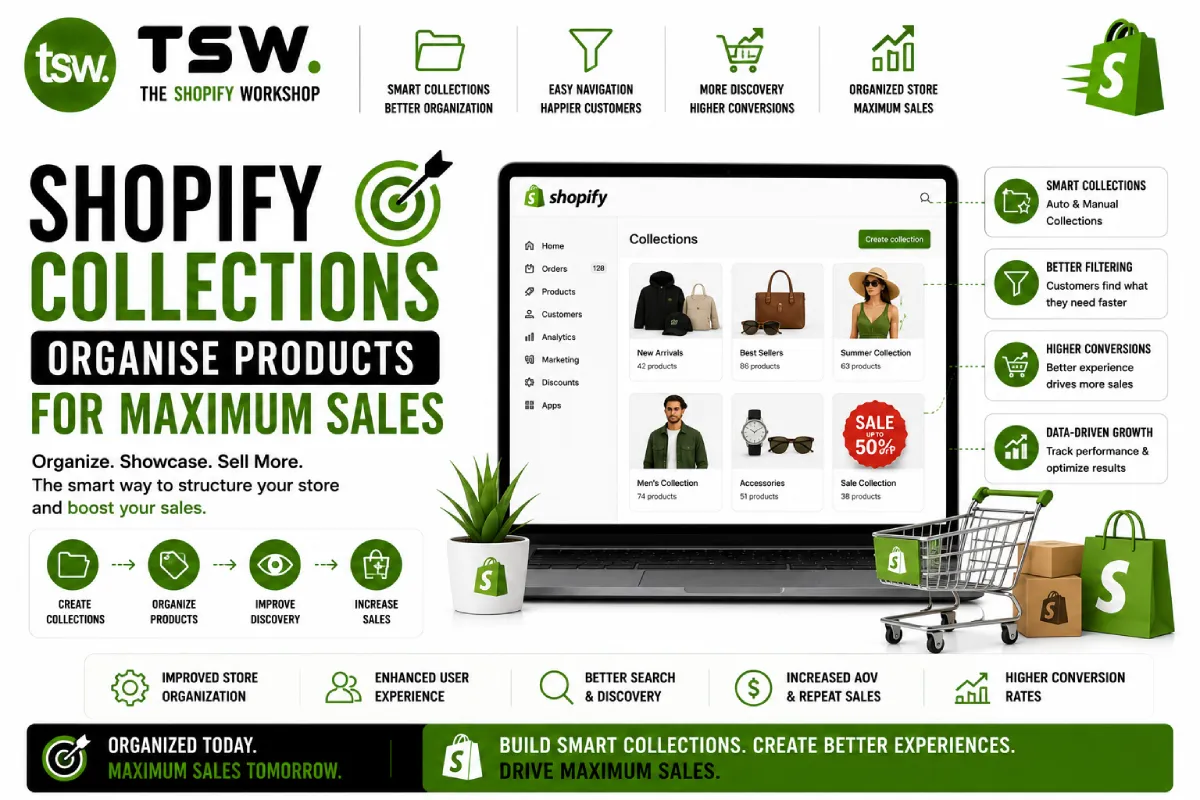
Collections Drive Product Discovery
Well-organised collections help customers find products faster, increase average order value through related product browsing, and improve SEO with targeted landing pages. Our theme designs feature optimised collection page layouts that balance browsing and conversion.
Manual vs Automated Collections
Manual Collections
You hand-pick which products appear. Best for curated selections — staff picks, gift guides, seasonal features, and editorial collections. Complete control over product order and inclusion.
Automated Collections
Products are added automatically based on conditions — tags, price ranges, product type, vendor, or inventory status. Best for category-based collections (all dresses, all accessories) that grow with your catalogue.
Hybrid Strategy
Use automated conditions as a base and manually pin or reorder key products. Feature bestsellers at the top of automated collections. This combines efficiency with merchandising control.
Collection SEO
Each collection page is a landing page opportunity. Write unique descriptions (300+ words) targeting category keywords. Implement proper heading hierarchy, internal links to related collections and blog content, and optimised meta tags.
Merchandising Best Practices
- Feature bestsellers and highest-margin products at top positions
- Show new arrivals prominently to reward repeat visitors
- Balance product variety in the first viewport to show collection range
- Use automated sorting by bestselling as default, with manual overrides
- Display collection-specific banners for promotional messaging
Collection Page Design
Include a hero section with collection description, filtering and sorting controls, consistent product card design, and pagination or infinite scroll. Mobile design should prioritise filter access and efficient grid layouts. Our CRO approach optimises every element.
Need collection strategy help? Optimise your product organisation with our team.