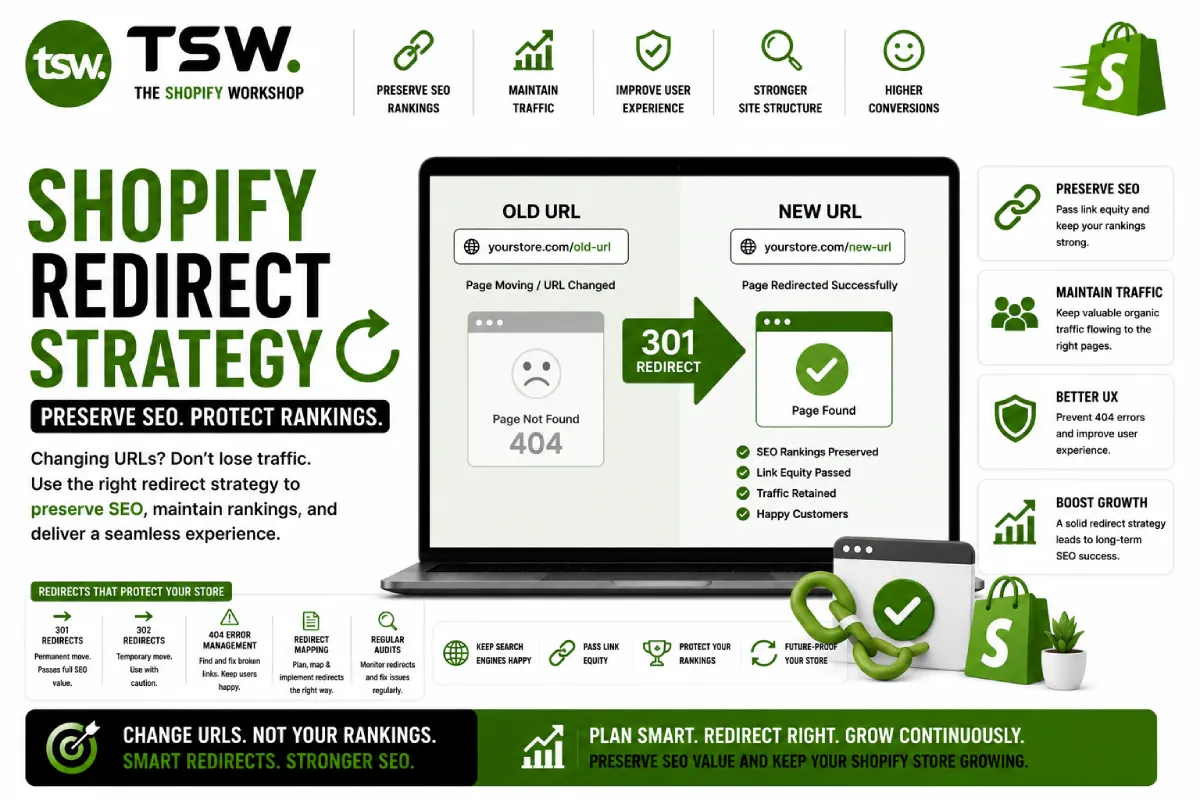
Why Redirects Matter for SEO
Every changed URL without a redirect loses its accumulated search authority. Broken links frustrate customers and signal poor quality to search engines. Proper redirect management preserves your SEO investment and maintains user experience during site changes.
When You Need Redirects
- Renaming or consolidating products and collections
- Platform migrations from WooCommerce, Magento, or other systems
- Restructuring your URL hierarchy
- Removing discontinued products
- Fixing typos or improving URL slugs
Shopify Redirect Tools
URL Redirects in Admin
Shopify provides a built-in URL redirect tool under Online Store > Navigation > URL Redirects. Add individual redirects or import in bulk via CSV. All redirects are 301 (permanent) by default, which passes full SEO equity.
Bulk Import
For migrations or large-scale changes, prepare a CSV with old and new URL columns. Shopify accepts bulk imports of thousands of redirects. Verify the CSV format carefully — errors in bulk imports can be difficult to diagnose.
Common Redirect Patterns
Product Consolidation
When merging similar products, redirect all old product URLs to the surviving product. Update internal links across your theme and blog content to point directly to the new URL.
Collection Restructuring
Renaming or reorganising collections requires redirecting old collection URLs to their new equivalents. Remember that Shopify collection URLs include the slug — changing the collection title changes the URL unless you manually set the slug.
Platform Migration
Different platforms use different URL structures. Map every old URL to its Shopify equivalent. Products move from /product/name (WooCommerce) to /products/name (Shopify). Collections from /category/name to /collections/name.
Avoiding Redirect Chains
A redirect chain occurs when URL A redirects to B, which redirects to C. Each hop loses SEO equity and adds latency. Audit periodically to find and fix chains — point all redirects directly to the final destination URL.
Monitoring Redirect Health
Use Google Search Console to identify 404 errors and redirect issues. Run monthly crawls with Screaming Frog to detect broken links and chains. Track organic traffic to redirected pages to verify SEO equity transfer.
Need redirect management? Our SEO team handles complex redirect strategies for migrations and restructuring.