Why GA4 Matters for Ecommerce
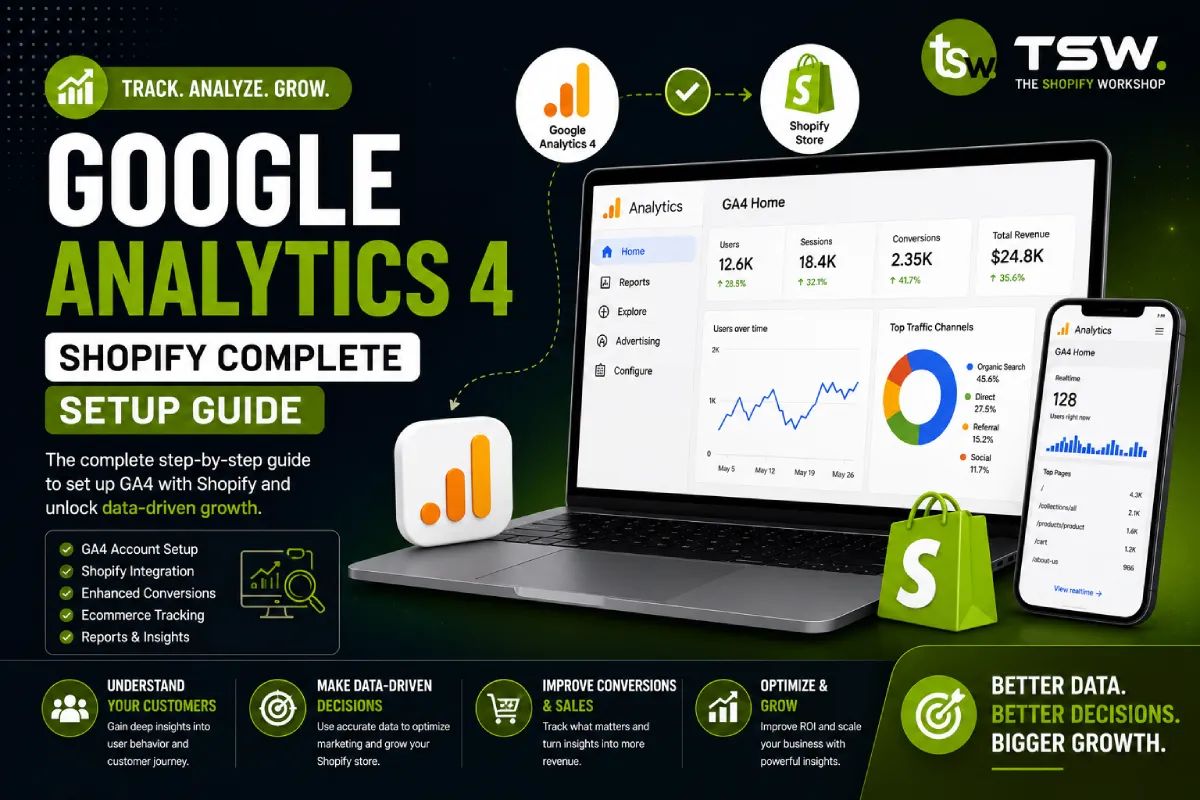
Google Analytics 4 provides event-based tracking that captures the full customer journey across devices and channels. For Shopify merchants, proper GA4 setup is essential for understanding which marketing efforts drive revenue and where customers drop off. Our digital marketing services always start with analytics configuration.
Basic Setup
Installing GA4 on Shopify
Shopify has native GA4 integration through the Google channel app. Install the app, connect your Google account, and enable enhanced ecommerce features. This handles basic pageview and purchase tracking automatically.
Google Tag Manager (Recommended)
For advanced tracking, install GA4 through Google Tag Manager (GTM). GTM gives you full control over event triggers, variables, and custom dimensions without modifying theme code. This is how professional SEO teams implement tracking.
Enhanced Ecommerce Events
Essential Events to Track
- view_item: Product page views with product details
- add_to_cart: Cart additions with product and variant data
- begin_checkout: Checkout initiation with cart contents
- purchase: Completed transactions with revenue and items
- view_item_list: Collection page views for product impressions
- select_item: Product clicks from collection pages
Custom Events
Track business-specific interactions — newsletter signups, wishlist additions, size guide views, store locator usage, and contact form submissions. Custom events provide insights into micro-conversions that lead to purchases.
Custom Dimensions and Metrics
Register custom dimensions for product categories, customer types (new vs returning), discount codes used, and shipping methods selected. These dimensions enable granular analysis of which segments drive the most value.
Conversion Tracking Integration
Google Ads
Link GA4 with Google Ads for conversion-optimised PPC campaigns. Import GA4 conversions into Google Ads for smarter bidding. Set up audiences for remarketing based on GA4 events and user properties.
Meta (Facebook) Pixel
Install the Meta Pixel alongside GA4 for Facebook and Instagram ad optimisation. Track ViewContent, AddToCart, InitiateCheckout, and Purchase events. The Conversions API provides server-side tracking for improved accuracy.
Reporting Dashboards
Key Reports to Build
- Ecommerce overview: Revenue, transactions, AOV, and conversion rate trends
- Product performance: Top sellers, revenue per product, cart-to-purchase rate
- Traffic sources: Revenue by channel with ROAS calculation
- Customer lifecycle: New vs returning customer revenue split
- Checkout funnel: Step-by-step drop-off analysis
Looker Studio Integration
Connect GA4 to Looker Studio (formerly Data Studio) for custom dashboards that combine ecommerce data with ad platform metrics. Automate weekly and monthly reporting for stakeholders.
Privacy and Consent
Implement a consent management platform (CMP) to comply with GDPR and UK data protection regulations. Configure GA4 consent mode to model conversions from users who decline tracking. Balance data accuracy with privacy compliance.
Need help with analytics setup? Our team configures GA4 for maximum insight and accuracy.