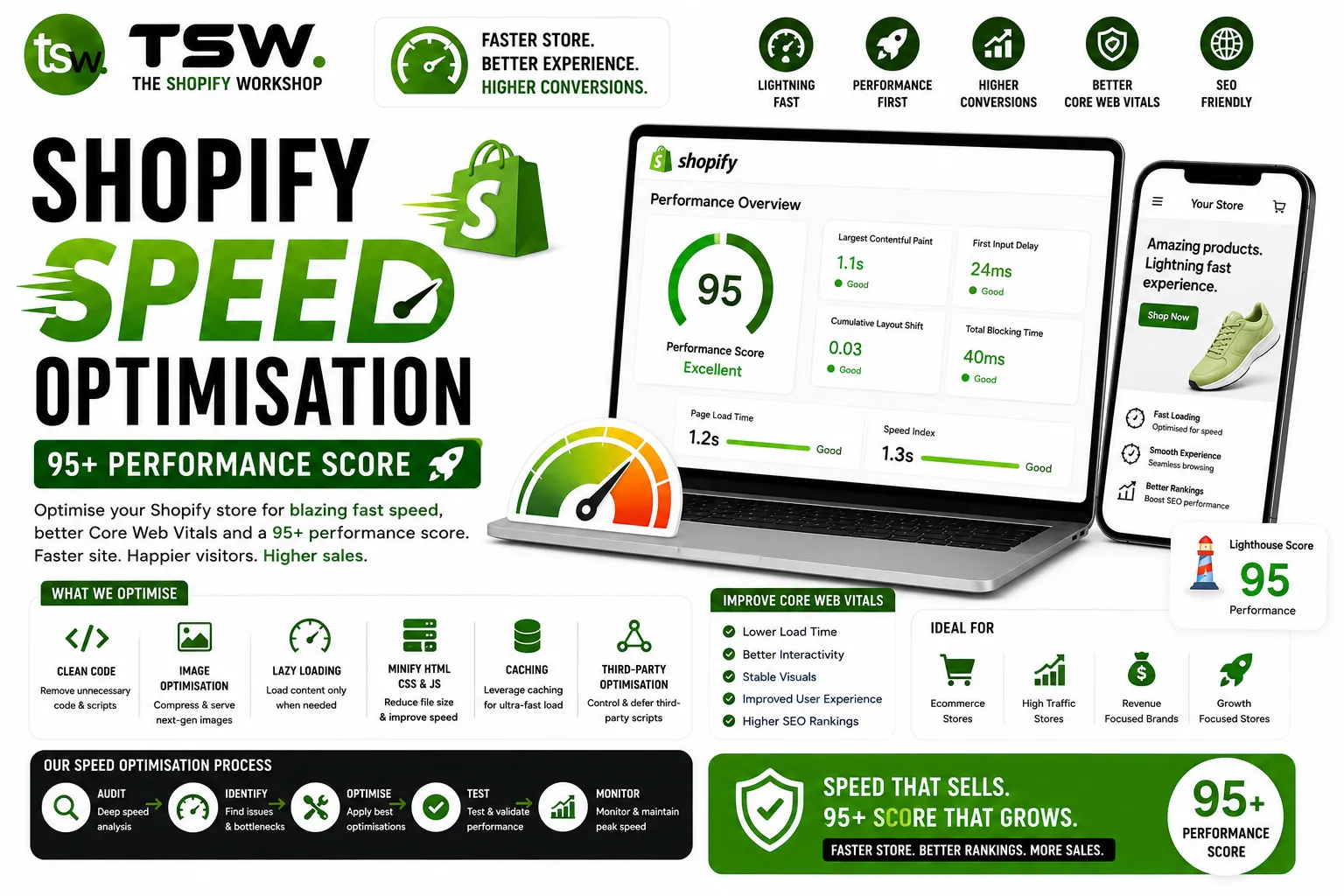
Why Speed Is Your Competitive Advantage
Every 100ms reduction in page load time increases conversion rates by up to 8%. For a store doing £100,000/month, that translates to £8,000 in additional monthly revenue. Speed is not just a technical metric — it directly impacts your bottom line. Our speed optimisation service delivers measurable improvements.
Diagnosing Performance Issues
Essential Testing Tools
Start with Google PageSpeed Insights for real-world data and lab metrics. Use Chrome DevTools’ Performance panel for detailed waterfall analysis. WebPageTest provides multi-location testing with filmstrip views. Shopify’s built-in speed report gives platform-specific insights.
Common Shopify Speed Killers
- Too many third-party apps injecting scripts
- Unoptimised images (wrong format, excessive size)
- Render-blocking CSS and JavaScript
- Heavy Liquid loops with unnecessary database queries
- Excessive DOM size from complex theme templates
Image Optimisation Strategies
Format Selection
Use WebP as your primary format with JPEG fallback. For product images with transparency, use PNG sparingly and convert to WebP where possible. Shopify’s CDN automatically serves WebP to supported browsers when you use the image_url filter.
Responsive Images
Implement srcset and sizes attributes to serve appropriately sized images for each viewport. A mobile user should not download a 2000px wide hero image. Use Shopify’s image_url filter with width parameters for automatic resizing.
Lazy Loading
Load below-the-fold images only when they enter the viewport. Use native loading="lazy" for broad compatibility. Never lazy-load the hero image or LCP element — these should load immediately with preload hints.
JavaScript Optimisation
Script Audit and Cleanup
Every app you install potentially adds JavaScript to your store. Audit all scripts using Chrome DevTools’ Coverage tab. Remove unused apps, consolidate functionality, and consider custom development to replace multiple apps with a single efficient solution.
Defer and Async Loading
Non-critical JavaScript should load with defer or async attributes. Move analytics, chat widgets, and social proof tools below the fold or trigger them after user interaction (scroll, click) to improve initial load metrics.
CSS Optimisation
Inline critical CSS for above-the-fold content and defer the rest. Remove unused CSS rules — most themes ship with styles for features you may not use. Minimise CSS specificity to reduce file size and avoid render-blocking stylesheet chains.
Server and CDN Configuration
Leverage Shopify’s global CDN by using their hosted assets. Enable browser caching for static assets. Consider a headless architecture with Hydrogen for stores requiring sub-second performance at scale.
Ongoing Performance Monitoring
Set up automated Lighthouse CI checks. Monitor Core Web Vitals in Search Console weekly. Before installing any new app, test its performance impact in a development theme. Our team provides ongoing performance monitoring as part of retainer packages.
Want a faster store? Request a free speed audit and see exactly where your performance gains are hiding.