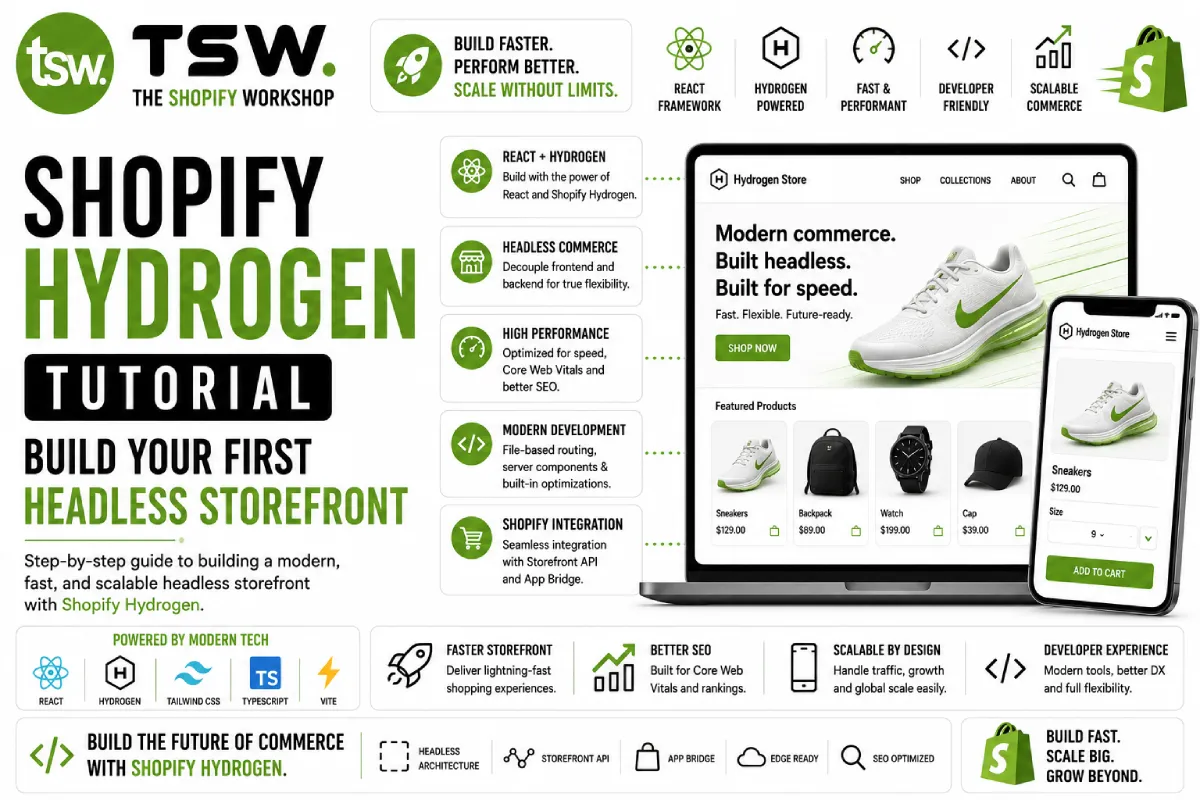
Getting Started with Hydrogen
Shopify Hydrogen is a React framework built on Remix that provides the tools and patterns for building custom storefronts. This tutorial walks through the key concepts and implementation patterns. For production projects, our development team handles the full Hydrogen build process.
Project Setup
Prerequisites
You need Node.js 18+, a Shopify Partner account, and a development store with products. Install the Shopify CLI globally and create a new Hydrogen project using the official template. The CLI scaffolds a project with routing, layout, and example components.
Project Structure
Hydrogen projects follow Remix conventions — routes in the app/routes directory, components in app/components, and shared utilities in app/lib. The entry point configures Shopify client, cart handling, and session management.
Connecting to Shopify
Storefront API
Hydrogen connects to Shopify through the Storefront API using GraphQL. The createStorefrontClient utility handles authentication, API versioning, and caching. Define your queries inline using tagged template literals.
Data Loading
Remix loader functions fetch data on the server before rendering. Query products, collections, and pages in loaders, and pass the data to your React components. This ensures fast initial page loads with server-rendered content.
Building Key Pages
Product Pages
Load product data including variants, images, metafields, and media. Build a variant selector, image gallery, and add-to-cart functionality. Use Hydrogen’s ProductPrice and AddToCartButton components for cart integration.
Collection Pages
Implement paginated collection pages with filtering and sorting. Use Shopify’s collection API for server-side filtering by price, availability, and product type. Implement infinite scroll or traditional pagination for large collections.
Cart Implementation
Hydrogen provides cart utilities through the CartForm component and useCart hook. Build a cart drawer or page with line item management, quantity updates, discount code application, and checkout redirect.
SEO Considerations
Meta Tags
Use Remix’s meta function exports for dynamic meta tags. Generate title, description, and Open Graph tags from Shopify data. Implement canonical URLs and hreflang tags for proper SEO configuration.
Structured Data
Add JSON-LD structured data for products, articles, and organization. Generate dynamically from Shopify API data. Validate with Google’s Rich Results Test to ensure proper implementation.
Sitemap and Robots
Generate dynamic sitemaps from your Shopify product and collection data. Configure robots.txt to guide search engine crawling. Handle redirects server-side for fast, SEO-friendly URL management.
Performance Optimisation
- Implement streaming with React Suspense for non-critical data
- Use the Image component for responsive, lazy-loaded images
- Cache API responses at the edge with appropriate TTLs
- Code-split routes for minimal JavaScript bundles per page
- Prefetch linked pages on hover for perceived instant navigation
Deployment to Oxygen
Deploy your Hydrogen storefront to Shopify’s Oxygen hosting with a single CLI command. Oxygen handles SSL, CDN distribution, auto-scaling, and environment management. Connect your GitHub repository for automatic deployments on push.
Building a Hydrogen storefront? Work with our headless commerce specialists for expert implementation.