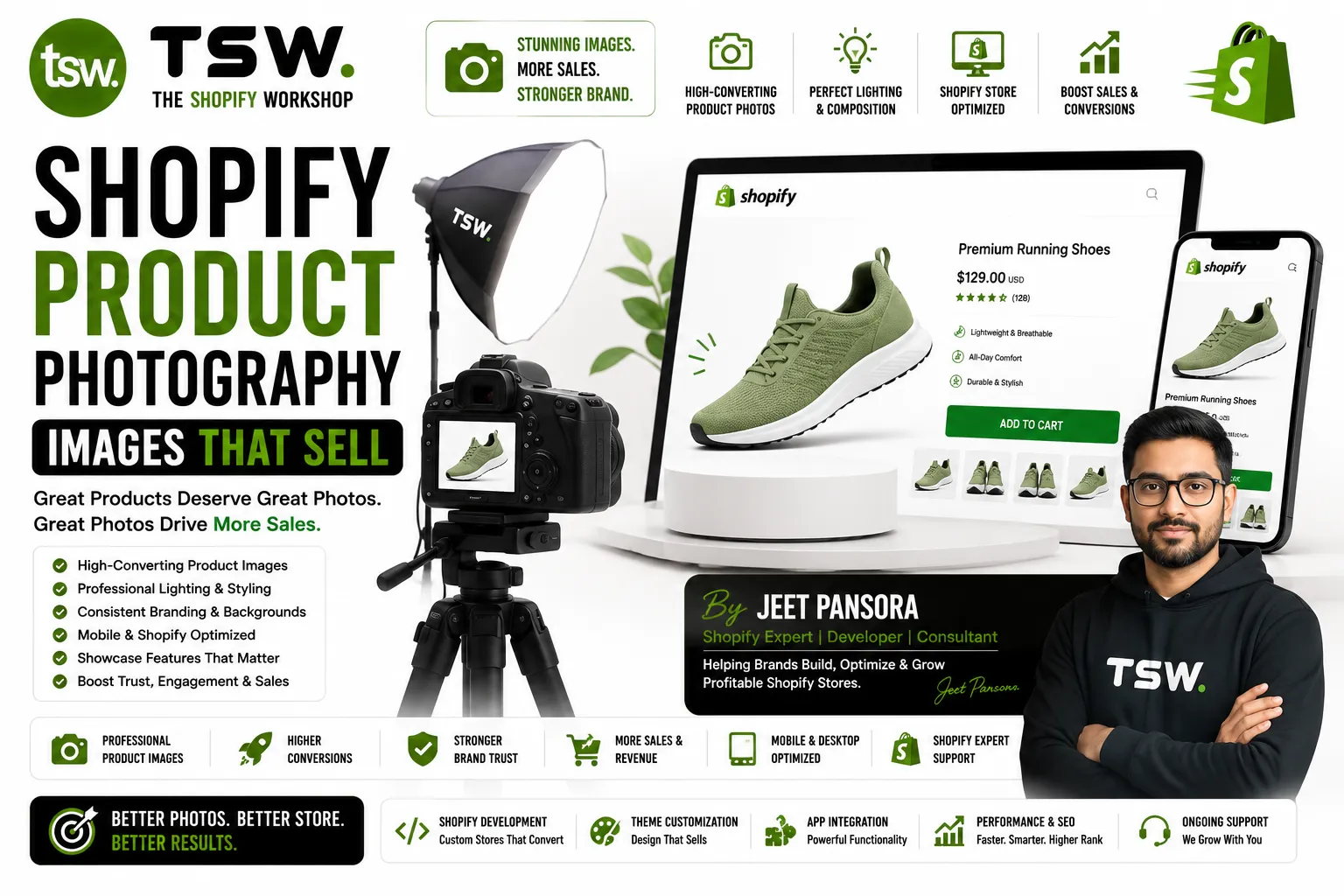
Photography Drives Purchase Decisions
75% of online shoppers rely on product photos when deciding whether to buy. Poor photography creates doubt and reduces trust, regardless of product quality. Investing in strong product images delivers one of the highest ROIs in ecommerce. Our themes are designed to showcase product imagery at its best.
Essential Shot Types
Hero Shot
Clean, well-lit product on white or neutral background. This is the primary image in search results, collection pages, and social sharing. It must be sharp, properly exposed, and show the product clearly without distractions.
Detail Shots
Close-up images showing texture, craftsmanship, materials, and unique features. These answer the “can I trust the quality?” question that customers cannot resolve by touching the product. Include stitching, labels, and material close-ups.
Scale and Context
Show the product in use or with size reference objects. A watch on a wrist, a bag being carried, a lamp on a desk. Scale shots help customers visualise the product in their life and prevent sizing surprises.
Lifestyle Imagery
Aspirational photos showing the product in its ideal environment. These create emotional connection and communicate brand identity. Lifestyle shots perform well on social media and in marketing campaigns.
360-Degree and Video
Interactive 360-degree views and video demonstrations reduce return rates by giving customers confidence in their purchase. Even simple rotation videos shot on a turntable add significant value to product pages.
Equipment Essentials
- Camera: DSLR or mirrorless for maximum quality; modern smartphones work for smaller budgets
- Lighting: Two softbox lights minimum; natural window light with diffuser for budget setups
- Backdrop: Seamless white paper roll or lightbox for clean product shots
- Tripod: Essential for consistency and sharpness, especially for detail shots
- Editing software: Adobe Lightroom for batch editing, Photoshop for retouching
Shopify Image Requirements
Upload at 2048×2048 pixels for optimal zoom capability. Maintain consistent aspect ratios across your catalogue. Shopify automatically creates multiple sizes for responsive delivery. Use descriptive filenames and alt text for SEO benefits.
Optimisation for Performance
Compress images before uploading. Use JPEG at 80-85% quality for photographs, WebP where possible. Shopify’s CDN handles format conversion for modern browsers. Our speed team ensures images load fast without sacrificing visual quality.
Need product photography guidance? Consult our visual team for brand-aligned photography strategy.