Why You Need a Speed Audit
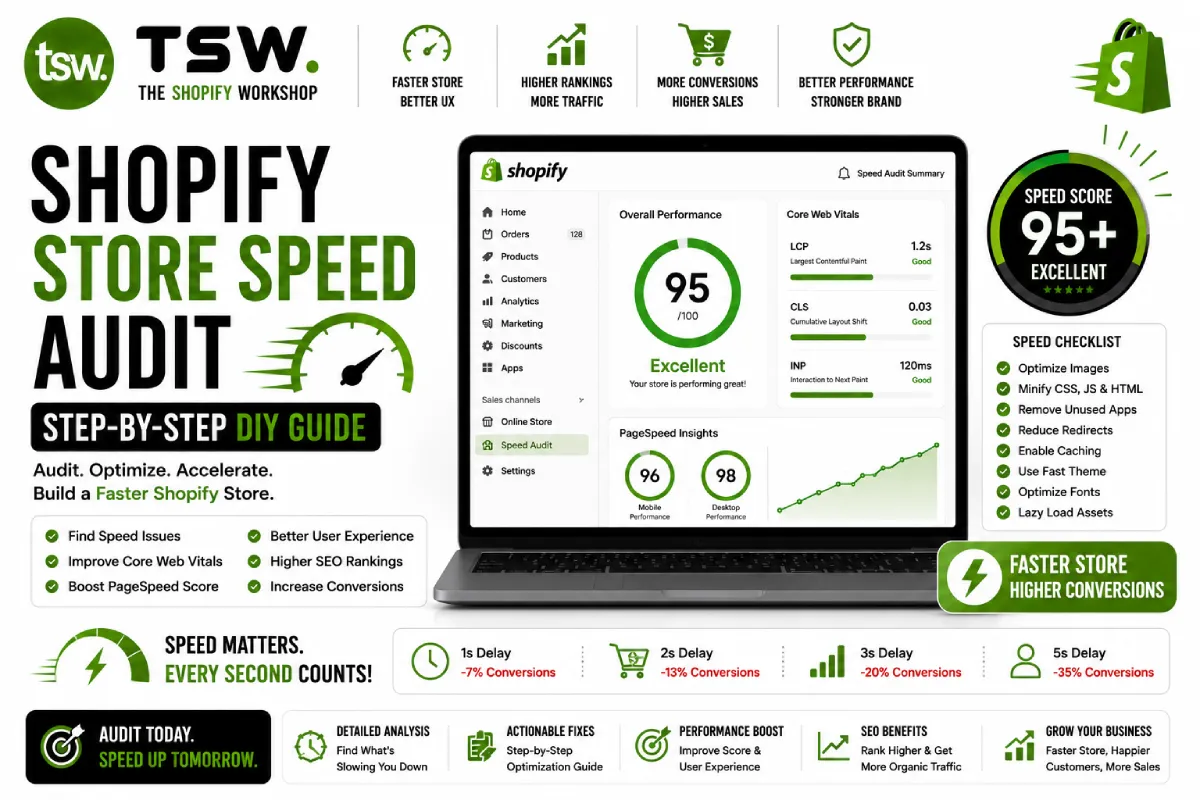
Most Shopify stores have significant performance improvements hiding in plain sight. A systematic speed audit identifies these opportunities and prioritises them by impact. While our professional speed service delivers the deepest results, this guide lets you run a solid audit yourself.
Step 1: Baseline Measurement
Google PageSpeed Insights
Test your homepage, a product page, a collection page, and the cart page with PageSpeed Insights. Record both mobile and desktop scores. Note the field data (real users) and lab data (simulated) separately — field data matters more for rankings.
Shopify Speed Report
Check your Shopify admin under Online Store > Themes > Speed Report. This provides a Shopify-specific benchmark compared to similar stores. Note your score and the specific improvement suggestions.
WebPageTest
Run tests from WebPageTest using a mobile profile from a location near your primary audience. The waterfall chart reveals exactly what loads, when, and how long each resource takes.
Step 2: Image Analysis
Images are typically the biggest opportunity. Check for oversized images (over 500KB), images not using WebP format, missing lazy loading on below-fold images, and images larger than their display size. Document every issue found.
Step 3: JavaScript Audit
Open Chrome DevTools Coverage tab and reload your page. Note the total JavaScript loaded versus executed. List every third-party script from apps, analytics, and marketing tools. Identify scripts that load on every page but are only needed on specific pages.
Step 4: Third-Party App Impact
Temporarily disable apps one by one and measure speed impact. Some apps add significant JavaScript without proportional business value. Document each app’s speed cost to make informed decisions about keeping, replacing, or consolidating.
Step 5: Core Web Vitals Check
- LCP: Identify the largest element and ensure it loads within 2.5s
- CLS: Check for layout shifts from images, fonts, and dynamic content
- INP: Test click responsiveness on buttons, links, and form inputs
Step 6: Prioritise and Act
Rank issues by impact (how much speed improvement) times ease (how simple to fix). Quick wins — removing unused apps, compressing images, and deferring scripts — often deliver 50%+ of total improvement with minimal effort.
When to Call the Professionals
DIY audits catch the obvious issues. For deep theme code optimisation, critical rendering path improvements, and advanced JavaScript refactoring, professional help delivers results you cannot achieve alone. Our speed team goes far beyond what tools can identify.
Want a professional speed audit? Get a comprehensive analysis with actionable recommendations.