Core Web Vitals as a Ranking Factor
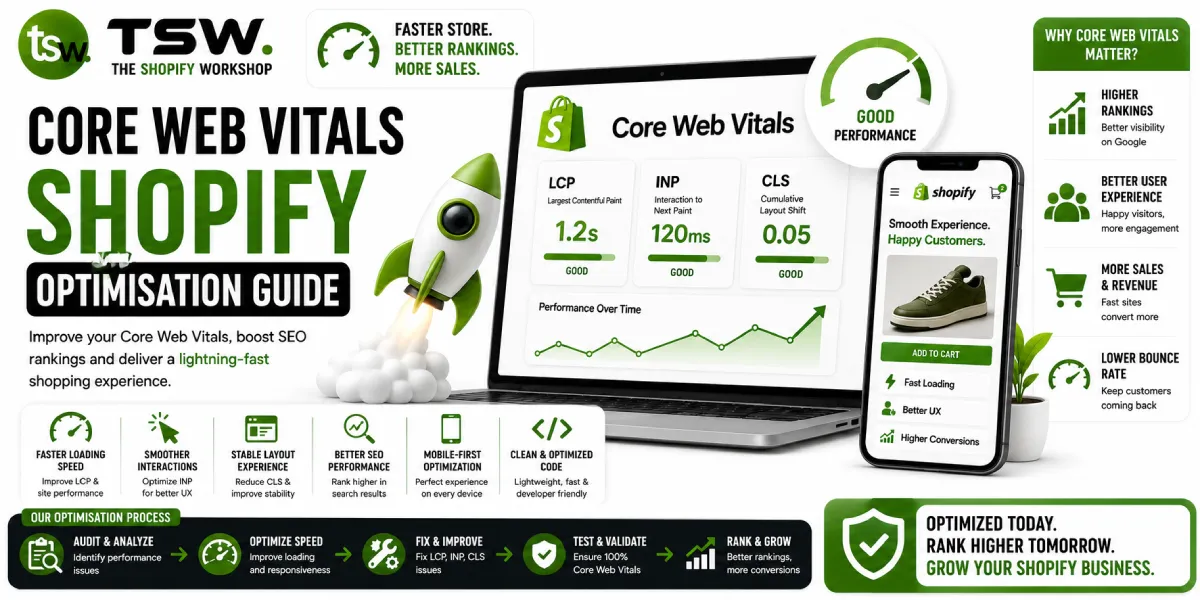
Google uses Core Web Vitals as part of the page experience ranking signal. Stores with good vitals get a ranking boost; stores with poor vitals face penalties. Beyond SEO, these metrics directly correlate with user experience and conversion rates. Our speed optimisation service focuses heavily on CWV improvement.
Understanding the Three Metrics
Largest Contentful Paint (LCP)
LCP measures how long the largest visible content element takes to render — typically the hero image or main heading. Good LCP is under 2.5 seconds. Poor is over 4 seconds. This is often the most impactful metric for perceived speed.
Cumulative Layout Shift (CLS)
CLS measures visual stability — how much the page layout shifts during loading. Good CLS is under 0.1. Poor is over 0.25. Layout shifts frustrate users and can cause misclicks, especially on mobile.
Interaction to Next Paint (INP)
INP replaced First Input Delay in 2024 and measures overall responsiveness. It tracks the time from any user interaction (click, tap, keypress) to the next visual update. Good INP is under 200ms. Poor is over 500ms.
Diagnosing LCP Issues on Shopify
Common LCP Problems
- Large unoptimised hero images: Use WebP format, responsive sizes, and preload hints
- Render-blocking resources: Inline critical CSS, defer non-essential JS
- Slow server response: Minimise Liquid complexity, reduce API calls in templates
- Third-party script blocking: Defer analytics, chat widgets, and social media embeds
LCP Fixes
Preload the LCP image with a link rel="preload" tag. Set fetchpriority="high" on the LCP element. Ensure the LCP image URL is discoverable in the initial HTML response, not injected by JavaScript. Remove unused CSS that blocks rendering.
Fixing CLS Issues
Image Dimensions
Always specify width and height attributes on images. Use CSS aspect-ratio for responsive images. Reserve space for dynamically loaded content like reviews, recommendations, and banner ads.
Web Font Handling
Fonts cause layout shifts when they swap. Use font-display: swap with size-adjust to match the fallback font metrics closely. Preload critical fonts. Consider system font stacks for body text to eliminate font-related CLS entirely.
Dynamic Content
Elements injected after load — app widgets, popups, notification bars — push content around. Reserve space with min-height or use transform animations instead of layout-changing properties.
Improving INP
JavaScript Optimisation
Break long JavaScript tasks into smaller chunks using requestIdleCallback or setTimeout. Debounce input handlers. Move heavy computation off the main thread with Web Workers. Profile interactions in Chrome DevTools to find bottlenecks.
Event Handler Efficiency
Use event delegation instead of individual listeners on hundreds of elements. Keep event handlers lightweight — defer visual updates using requestAnimationFrame. Avoid layout thrashing by batching DOM reads and writes.
Monitoring and Maintenance
Set up ongoing monitoring with Search Console CWV report, CrUX dashboard, and real-user monitoring (RUM). Test new app installations and theme changes against CWV baselines. Prevention is easier than remediation.
Struggling with Core Web Vitals? Request a performance audit from our optimisation specialists.