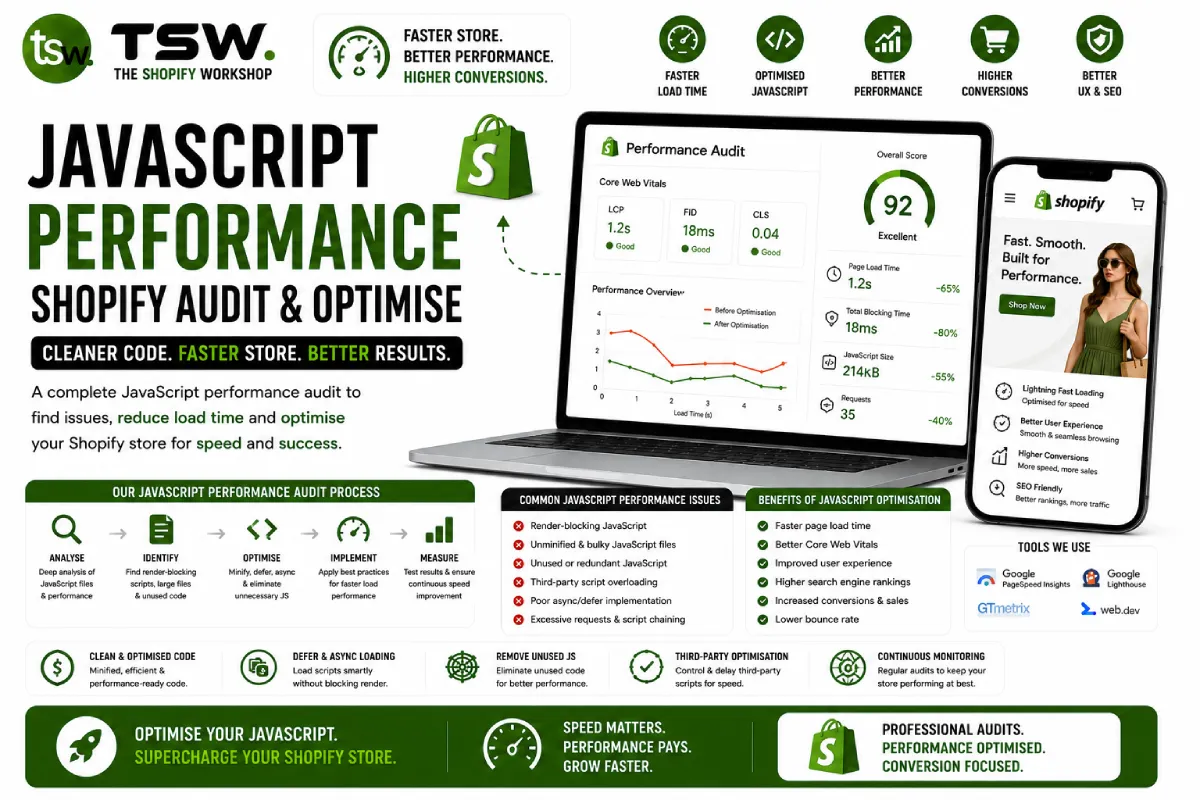
JavaScript: The Biggest Threat to Shopify Performance
JavaScript is the primary cause of slow interactions, high INP scores, and poor mobile experiences on Shopify stores. Each app, tracking pixel, and custom feature adds JavaScript that competes for the main thread. Our performance team specialises in taming JavaScript bloat.
Auditing Your JavaScript
Chrome DevTools Coverage Tab
Open Chrome DevTools, go to the Coverage tab, and reload your page. This shows exactly how much JavaScript is loaded versus how much is actually executed. It is common to find 60-80% of loaded JavaScript is unused on any given page.
Network Analysis
Filter the Network tab by JS to see every script loaded. Note file sizes, load timing, and origin domains. Third-party scripts from apps, analytics, and social media often outnumber your theme’s JavaScript significantly.
Performance Profiling
Record a Performance profile during page load and interaction. Look for long tasks (over 50ms) that block the main thread. Identify which scripts cause layout recalculations, forced reflows, and animation jank.
Optimisation Techniques
Defer Non-Critical Scripts
Add defer or async attributes to scripts that are not needed for initial render. Chat widgets, loyalty programmes, social proof popups, and analytics can all load after the page is interactive.
Lazy Initialisation
Instead of loading everything on page load, initialise features when they are needed. Load chat widgets on scroll or click. Initialise carousels when they enter the viewport. Defer review widgets until the user scrolls to them.
Event Delegation
Instead of attaching listeners to hundreds of product cards, attach one listener to the parent container. This reduces memory usage and improves responsiveness. Apply to collection grids, navigation menus, and filter interfaces.
Debounce and Throttle
Debounce search input handlers (wait until typing pauses). Throttle scroll handlers (execute at most once per frame). These patterns prevent excessive function calls that clog the main thread during user interaction.
Third-Party Script Management
Evaluate Every Script
For each third-party script, ask: does this measurably contribute to revenue? If you cannot tie a script to business value, remove it. Common offenders include unused tracking pixels, abandoned A/B test scripts, and deactivated app residues.
Loading Strategies
- Critical scripts: Analytics, conversion tracking — load with async
- Important scripts: Reviews, chat — lazy load on scroll or interaction
- Nice-to-have scripts: Social share buttons, Instagram feeds — load on idle
- Remove: Duplicate scripts, unused app scripts, deprecated tracking codes
App Consolidation
Consider replacing multiple apps with custom development. Five apps doing five things means five separate JavaScript bundles. A single custom solution handles the same logic with one optimised script.
Measuring Impact
Before and after every optimisation, measure with Lighthouse, WebPageTest, and real-user monitoring. Track Total Blocking Time, INP, and Time to Interactive. Document improvements to build the case for ongoing performance investment.
Need a JavaScript audit? Our developers identify and fix performance bottlenecks efficiently.