Setting Up Your Development Environment
A proper development workflow is the foundation of quality theme development. Our theme development team follows these practices on every project to ensure consistent, high-quality output.
Shopify CLI and Theme Dev
Use Shopify CLI for local development with hot-reloading. The shopify theme dev command connects to a development store and syncs changes in real time. Pair with GitHub for version control and collaborative development.
Development Store Strategy
Create a development store through your Partners account that mirrors the client’s product catalogue and content. Test with realistic data including edge cases — products with many variants, long titles, and missing images.
File Organisation
Sections and Blocks
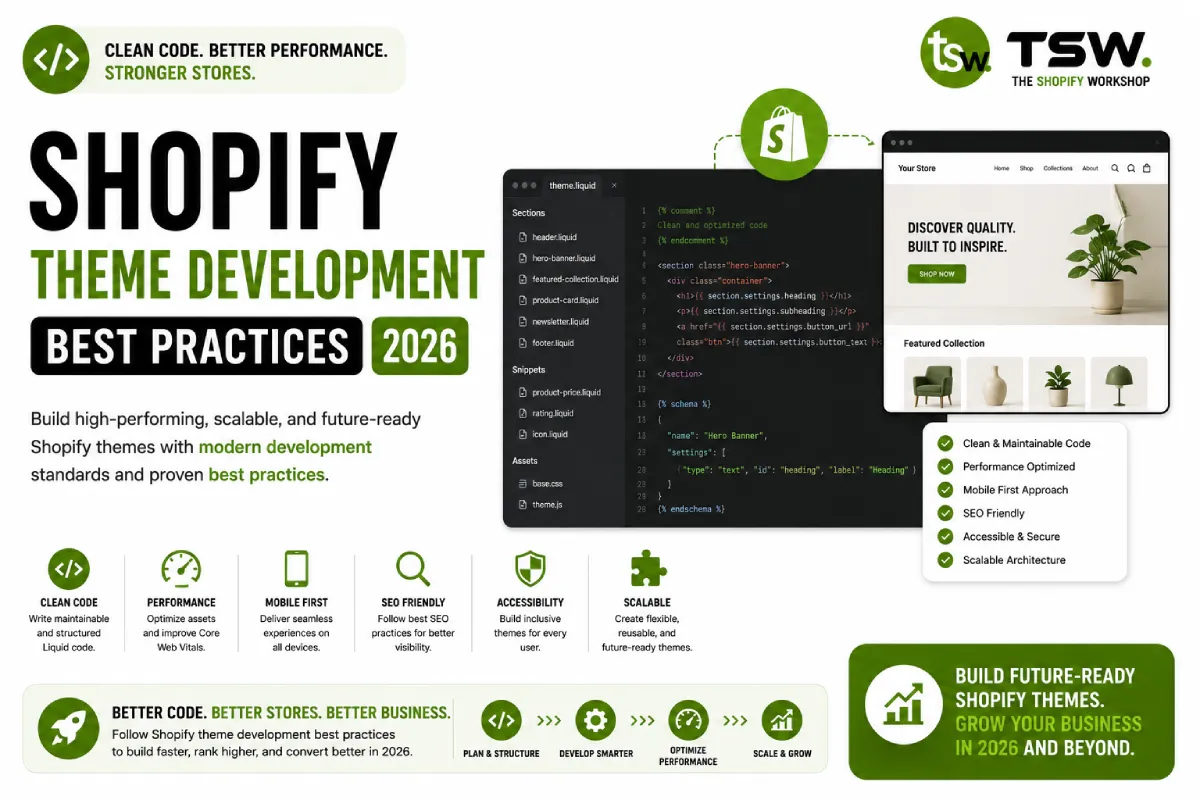
Create granular, single-purpose sections. A “hero-banner” section should only handle hero banners. Use blocks within sections for repeatable elements like slides, features, or testimonials. This modularity makes themes easier to maintain and extend.
Snippets vs Sections
Use snippets for reusable micro-components — product cards, price displays, badges. Use sections for page-level components that need theme editor integration. Render snippets with render (not include) for better performance and variable isolation.
Performance Best Practices
Critical Rendering Path
Inline critical CSS for above-the-fold content. Defer non-essential stylesheets and scripts. Use preload resource hints for hero images and key fonts. Our speed optimisation starts at the theme level.
Image Handling
Always use the image_url filter with width parameters rather than hardcoded image URLs. Implement responsive images with srcset. Use loading=”lazy” for below-fold images and loading=”eager” with fetchpriority=”high” for hero images.
JavaScript Strategy
Minimise JavaScript by leveraging native browser APIs and CSS for interactions where possible. When JS is needed, write vanilla JavaScript or use lightweight libraries. Avoid jQuery unless the project specifically requires it.
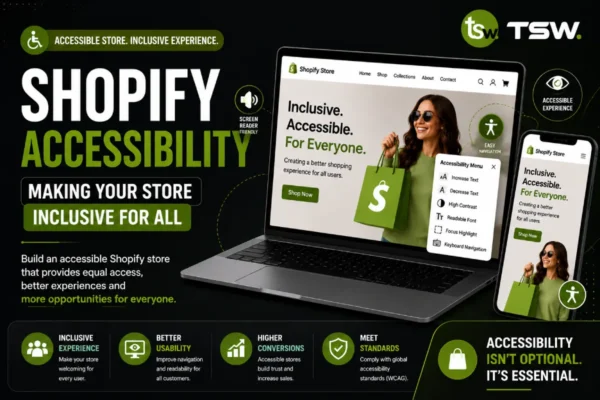
Accessibility Requirements
- Semantic HTML: use proper heading hierarchy, landmarks, and ARIA labels
- Keyboard navigation: all interactive elements must be keyboard accessible
- Colour contrast: meet WCAG 2.1 AA minimum ratios (4.5:1 for body text)
- Screen reader testing: test with VoiceOver (Mac) and NVDA (Windows)
- Focus management: visible focus indicators and logical tab order
Schema Design
Write descriptive schema labels and use logical setting groups. Provide sensible defaults so sections look good out of the box. Include info text to guide merchants on best practices for each setting.
Testing Checklist
- Cross-browser testing: Chrome, Firefox, Safari, Edge
- Device testing: mobile, tablet, desktop at various breakpoints
- Content edge cases: long text, missing images, empty collections
- Performance: Lighthouse audit on every key page
- Accessibility: axe DevTools audit and manual keyboard testing
- SEO: structured data validation, meta tag verification
Building a Shopify theme? Partner with our experienced developers for a theme that performs.