Why Accessibility Compliance Is Non-Negotiable
Web accessibility isn’t just ethical — it’s increasingly a legal requirement. The European Accessibility Act takes effect in June 2025, mandating that ecommerce sites serving EU customers meet accessibility standards. In the US, ADA lawsuits against ecommerce businesses increased 300% over three years. UK businesses face similar obligations under the Equality Act 2010.
Beyond compliance, accessible stores reach more customers. Approximately 16% of the global population lives with some form of disability. An accessible Shopify store doesn’t just avoid legal risk — it captures revenue that competitors miss. This is a fundamental aspect of professional theme development.
WCAG 2.2 Key Requirements for Ecommerce
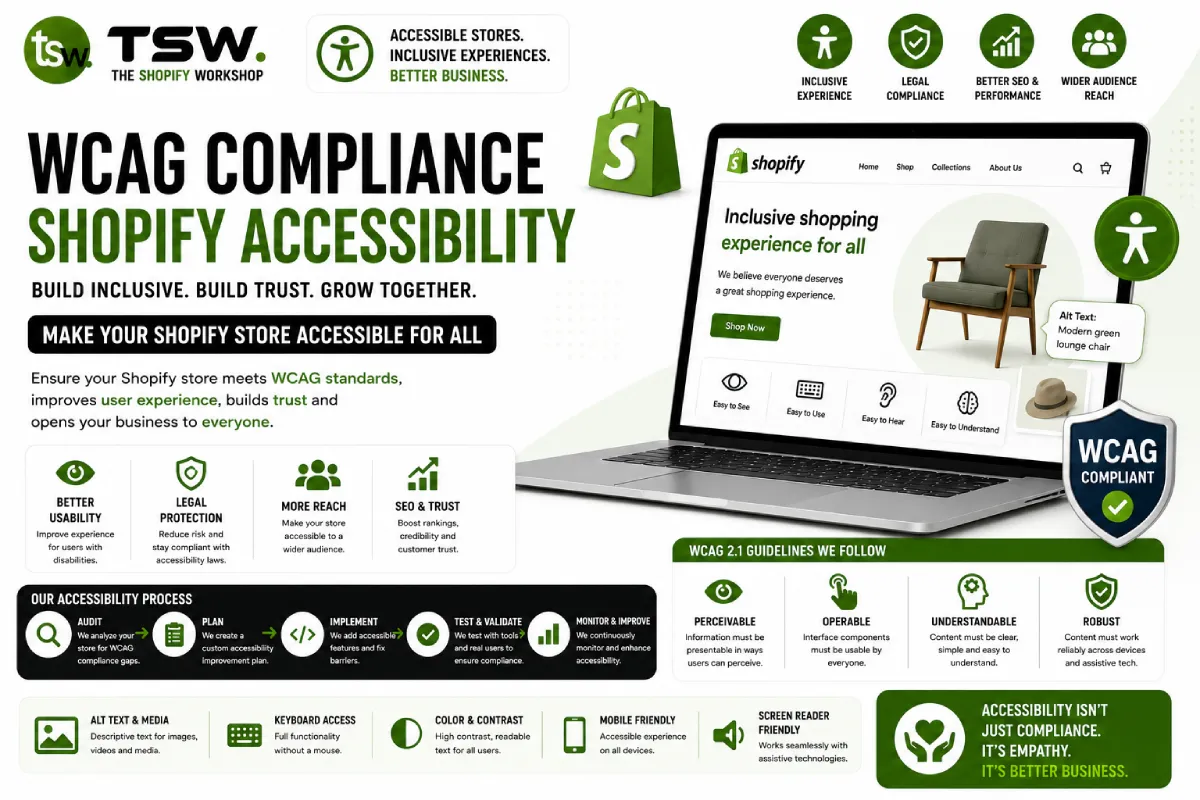
Perceivable
All content must be presentable to users in ways they can perceive. For Shopify stores, this means: every product image needs descriptive alt text, videos require captions, colour alone cannot convey information (e.g., “red items are on sale”), and text maintains sufficient contrast ratios against backgrounds. Use a minimum contrast ratio of 4.5:1 for body text and 3:1 for large text.
Operable
Users must be able to navigate and interact with all functionality using a keyboard alone. Test your entire checkout flow without a mouse — can you tab through navigation, open menus, select product variants, add to cart, and complete purchase? Every interactive element needs a visible focus indicator. Dropdown menus, modal dialogs, and accordion elements require proper keyboard support.
Understandable
Content and interface operation must be understandable. Form fields need visible labels (not just placeholder text), error messages must be descriptive and associated with the correct field, and navigation must be consistent across pages. For international stores, declare the page language in HTML and use the lang attribute for content in different languages.
Robust
Content must be robust enough to work with current and future assistive technologies. Use semantic HTML — <nav> for navigation, <main> for primary content, <button> for actions. Add ARIA attributes where native semantics are insufficient, but prefer native HTML elements when possible. Test with actual screen readers (VoiceOver on Mac, NVDA on Windows) rather than relying solely on automated tools.
Common Shopify Accessibility Failures
The most frequent issues we find during store audits include: missing skip-to-content links, product image carousels without keyboard controls, colour swatches that rely solely on colour without text labels, announcement bars that can’t be dismissed via keyboard, and modal popups that trap focus incorrectly.
Third-party apps are often the worst offenders — many inject inaccessible markup into your theme. Audit every app’s frontend output for accessibility compliance before installing.
Automated Accessibility Testing
Use axe DevTools, WAVE, or Lighthouse accessibility audit to catch common issues automatically. These tools identify missing alt text, insufficient contrast, missing form labels, and ARIA errors. However, automated tools catch only about 30% of accessibility issues — manual testing with keyboard navigation and screen readers is essential for comprehensive compliance.
Building an Accessibility Roadmap
Start with a full audit of your current store, prioritising the checkout flow and most-visited pages. Address critical issues (keyboard traps, missing alt text, zero-contrast text) immediately, then work through remaining issues systematically. Our accessibility specialists help Shopify merchants achieve and maintain WCAG 2.2 AA compliance through structured remediation plans.