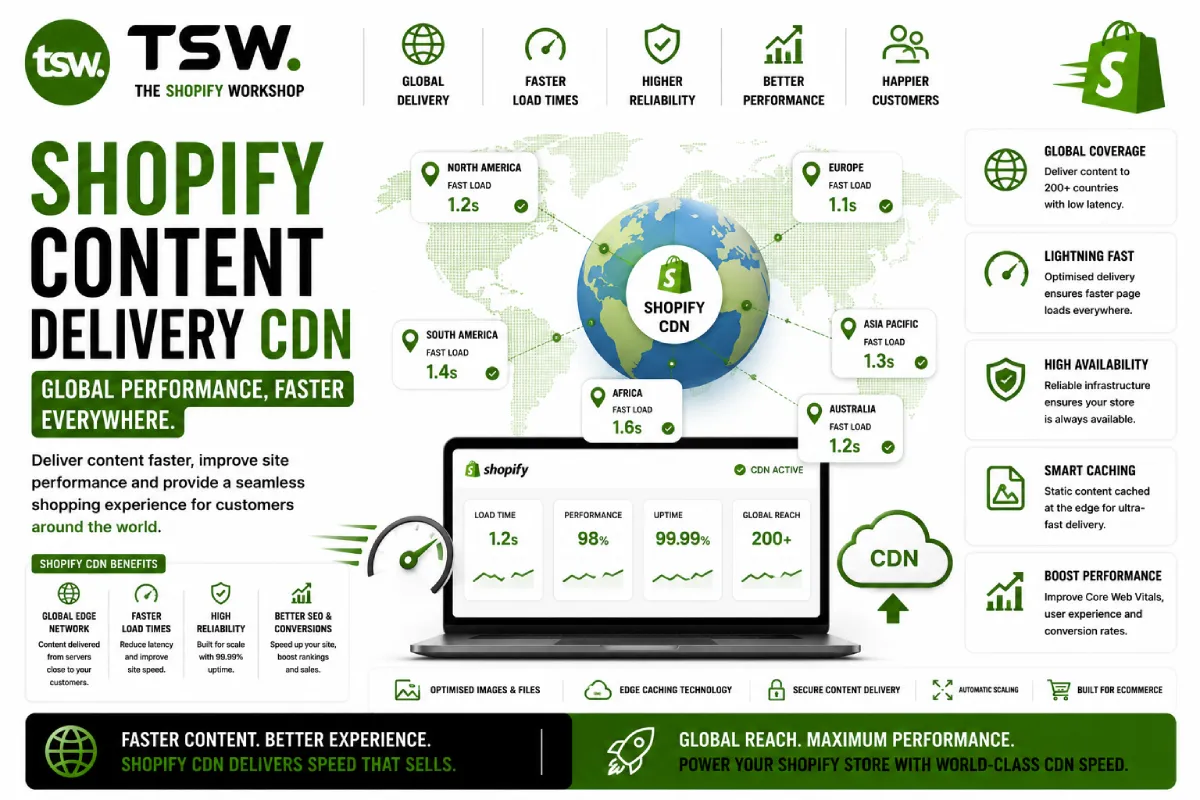
Shopify CDN: Your Performance Foundation
Shopify’s global Content Delivery Network serves your store assets from edge locations worldwide. Understanding how it works helps you make better decisions about asset management and performance optimisation.
How Shopify CDN Works
Edge Locations
Shopify partners with Cloudflare to deliver content from over 300 edge locations globally. When a customer in Tokyo loads your store, assets serve from the nearest edge location rather than travelling to a central server. This reduces latency by hundreds of milliseconds.
Automatic Optimisation
The CDN automatically handles: image format negotiation (serving WebP/AVIF to supported browsers), image resizing via URL parameters, SSL termination, HTTP/2 and HTTP/3 protocol support, and Brotli compression for text assets.
Asset Management Best Practices
Theme Assets
Store CSS, JavaScript, and image assets in your theme’s assets folder. Reference them using the asset_url Liquid filter to ensure they serve from the CDN with proper caching headers. Never hotlink external assets that bypass the CDN.
Image Delivery
Use the image_url filter with width and height parameters for responsive image delivery. The CDN generates and caches resized versions on-demand. This eliminates the need for pre-generating multiple image sizes during upload.
Font Loading
Host fonts through your theme assets or use Shopify’s built-in font library. Both serve via CDN. Preload critical fonts with link rel="preload" and use font-display: swap to prevent render blocking.
Caching Strategy
Browser Caching
Shopify sets appropriate cache headers for static assets — long cache durations for versioned files, shorter for dynamic content. Theme asset URLs include content hashes that change on file modification, enabling aggressive browser caching without stale content.
Page Caching
Shopify caches full HTML pages at the edge for anonymous visitors. Personalised content (customer-specific data, cart contents) bypasses the page cache and renders dynamically. Understanding this helps when debugging cache-related issues.
What You Cannot Control
Shopify manages CDN configuration — you cannot set custom cache headers, purge specific URLs, or configure edge rules. This trade-off simplifies operations but limits advanced optimisation. For maximum control, headless architectures with Hydrogen and custom edge hosting provide more flexibility.
Third-Party Asset Impact
Third-party scripts from apps, analytics, and marketing tools bypass Shopify’s CDN. Each external script introduces additional DNS lookups, SSL handshakes, and download time. Audit third-party assets regularly and consider custom development to consolidate functionality.
Want maximum performance? Our speed team optimises every aspect of your store’s content delivery.