What Is Shopify Liquid?
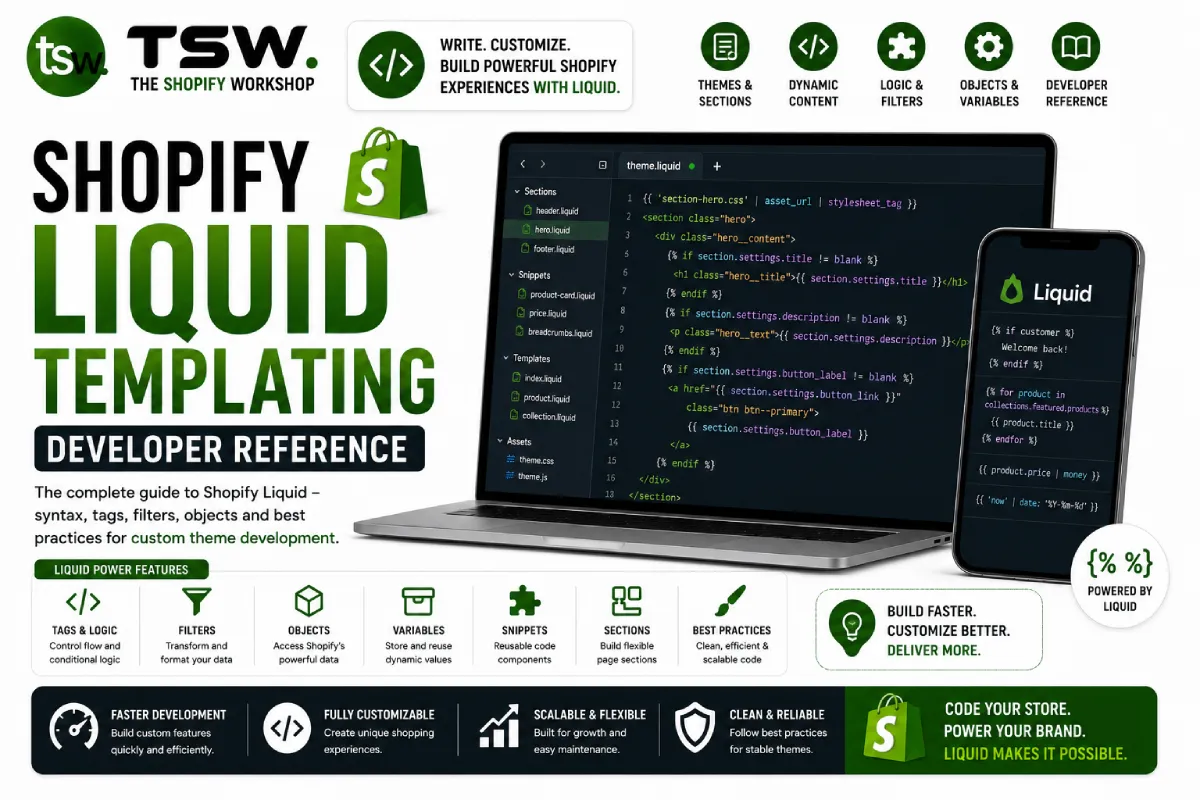
Liquid is Shopify’s open-source templating language that powers every theme on the platform. Originally created by Shopify Engineering, Liquid is safe, secure, and optimised for rendering dynamic store content. Whether you are building a custom theme or modifying an existing one, mastering Liquid is essential.
Core Concepts
Objects and Variables
Objects represent store data — products, collections, customers, and cart contents. Access object properties using dot notation within double curly braces. The product object exposes title, price, variants, images, metafields, and dozens of other properties.
Tags for Logic
Tags control template flow using conditionals (if/elsif/else), loops (for), assignments (assign/capture), and sections (render/include). Logic tags use curly brace + percent syntax and never produce visible output.
Filters for Transformation
Filters modify output using the pipe character. Chain filters to format prices (money), manipulate strings (upcase, truncate), handle images (image_url, image_tag), format dates (date), and transform arrays (sort, map, where).
Online Store 2.0 Architecture
JSON Templates
OS 2.0 introduced JSON templates that define page structure through sections. This allows merchants to customise every page through the theme editor without code changes. As a developer, you create reusable sections with schema settings.
Sections Everywhere
Unlike the original architecture where sections were limited to the homepage, OS 2.0 allows sections on every template type — products, collections, pages, articles, and even the cart. This dramatically improves merchant flexibility.
App Blocks
App blocks let third-party Shopify apps inject content into sections through the theme editor. Supporting app blocks in your theme sections ensures compatibility with the growing app ecosystem.
Advanced Liquid Patterns
Metafield Rendering
Metafields extend Shopify’s data model with custom fields. Access them via product.metafields.namespace.key and use the appropriate filter for the metafield type — metafield_tag for rich text, metafield_text for single-line values.
Performance Optimisation in Liquid
- Minimise nested loops and complex conditionals
- Use
renderinstead ofincludefor better variable scoping and performance - Leverage responsive images with
image_urland width/height parameters - Cache expensive operations using
assignoutside of loops - Implement lazy loading via the
loading: lazyattribute on image tags
Predictive Search and AJAX
Use the Predictive Search API endpoint with Liquid to build type-ahead search. Combine with JavaScript for seamless AJAX cart operations, dynamic collection filtering, and real-time inventory checks.
Debugging and Testing
Use Shopify CLI with the shopify theme dev command for hot-reloading during development. The Theme Inspector Chrome extension helps identify slow Liquid rendering. Test across multiple product types, collection sizes, and edge cases like empty carts and sold-out products.
Need expert Liquid development for your store? Contact our theme developers for a consultation.