What Are Metaobjects?
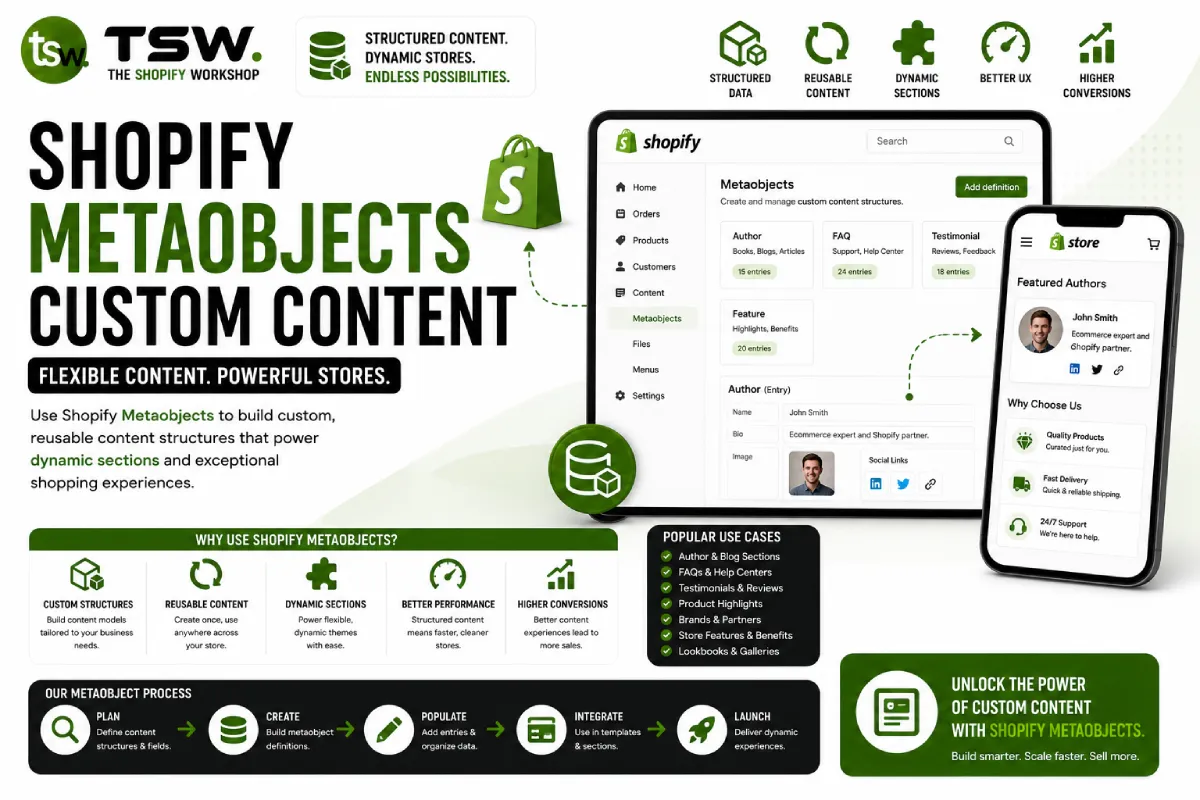
Metaobjects are Shopify’s native way to create custom content structures directly within the admin. Think of them as a lightweight CMS built into Shopify — you define the structure (fields and types), then content editors populate entries through a familiar admin interface. No apps, no external databases, no custom backend development required.
If you’ve used metafields to extend product or page data, Metaobjects take the concept further by creating entirely independent content types. They’re ideal for structured content that doesn’t fit naturally into products, collections, or pages.
Common Metaobject Use Cases
Team Member Profiles
Create a “Team Member” metaobject with fields for name, role, bio, headshot, and social links. Editors manage team members like any other content type, and your theme renders them dynamically on the about page — no hardcoding required.
FAQ Sections
Define a “FAQ” metaobject with question and answer fields. Assign FAQs to specific products or pages using metafield references. This approach lets you reuse FAQs across multiple pages while maintaining a single source of truth.
Store Locations
For brands with physical retail, a “Store Location” metaobject with address, hours, coordinates, and amenities fields creates a manageable store locator without third-party apps.
Size Guides
Create measurement-based size guides that link to specific product types. When a customer views a dress, they see the dress size guide; for shoes, the shoe size guide. This targeted approach improves the shopping experience and reduces returns — a key conversion optimisation tactic.
Creating a Metaobject Definition
Navigate to Settings → Custom data → Metaobjects in your Shopify admin. Click “Add definition” and name your content type. Add fields using Shopify’s built-in field types: single-line text, rich text, file (for images), URL, number, date, boolean, colour, and references to other Shopify resources.
Field validation ensures content quality — set character limits, require fields, or restrict file types. Each definition also controls display: choose which field appears as the entry title and whether entries are publishable (with active/draft states) or always active.
Rendering Metaobjects in Your Theme
Access Metaobjects in Liquid through metaobject references or the content_for tag in Online Store 2.0 sections. Create a section that accepts a metaobject list as a block, and merchants can select which entries to display through the theme editor — no code changes needed for content updates.
For headless storefronts built with Hydrogen, query Metaobjects through the Storefront API using GraphQL. The API returns typed data matching your definition, making it straightforward to build components around your custom content structures.
Metaobjects vs Third-Party CMS
While tools like Contentful or Sanity offer more advanced content modelling, Metaobjects win on simplicity and integration. Content lives in Shopify’s admin alongside products and orders, editors don’t need separate logins, and there’s no sync infrastructure to maintain. For most merchants, Metaobjects provide sufficient flexibility without the complexity of an external CMS. Discuss your content requirements with our strategy consultants to determine the right approach.