Why Google Ads Is Essential for Ecommerce
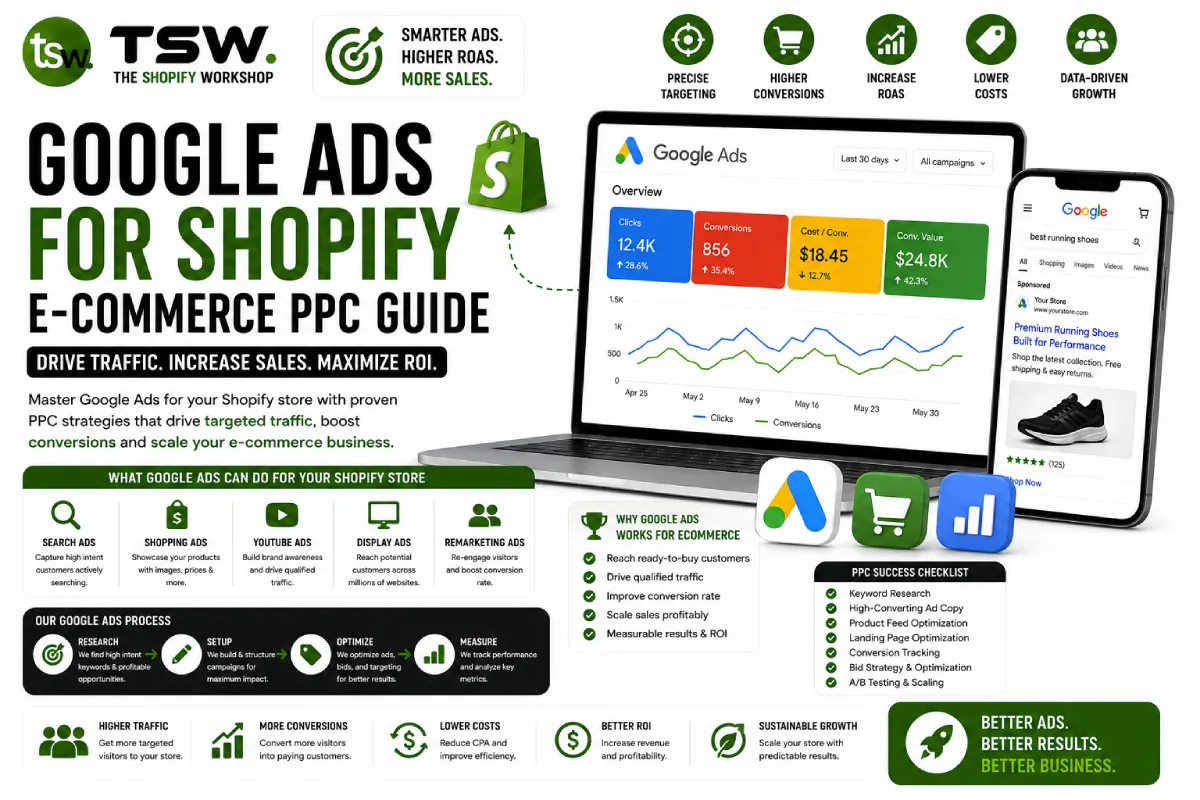
Google processes over 8.5 billion searches per day — many of them from shoppers with purchase intent. Google Ads puts your products in front of these buyers at the exact moment they are searching. Our PPC management services help Shopify stores achieve profitable growth through Google Ads.
Campaign Types for Ecommerce
Google Shopping Campaigns
Shopping ads display your product image, title, price, and store name directly in search results. They capture high-intent buyers who can see your product before clicking. Shopping campaigns consistently deliver the best ROAS for ecommerce advertisers.
Performance Max
Performance Max (PMax) uses Google’s AI to serve ads across Search, Shopping, Display, YouTube, Gmail, and Discover from a single campaign. Feed it quality creative assets, product data, and conversion targets, and Google’s machine learning optimises placement and bidding.
Search Campaigns
Text-based search ads target specific keywords. Use for branded terms (protect your brand name from competitors), category terms (generic product searches), and competitor terms. Write compelling ad copy with unique selling propositions and clear calls to action.
Remarketing / Retargeting
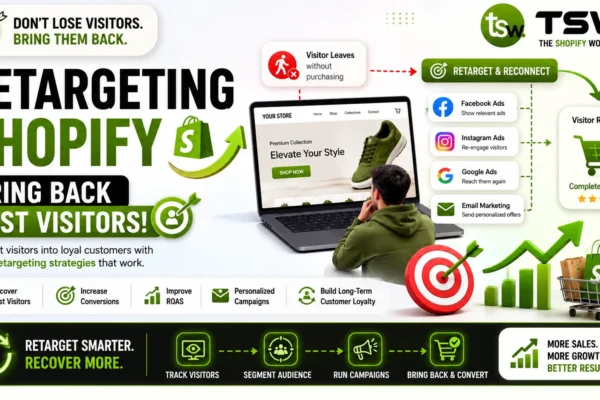
Show ads to people who have visited your store but did not purchase. Dynamic remarketing displays the specific products they viewed. Create audience segments — cart abandoners get more aggressive offers than casual browsers.
Product Feed Optimisation
Title Optimisation
Product titles in your feed dramatically affect Shopping ad performance. Include brand, product type, key attributes (colour, size, material), and model number. Front-load the most important terms. Keep titles under 150 characters.
Description and Attributes
Write detailed product descriptions with relevant keywords. Fill in all available attributes — colour, size, material, pattern, gender, age group. Complete attribute data improves ad relevance and reduces wasted spend.
Image Quality
Use high-quality product images on white backgrounds for Shopping ads. Google rejects blurry, watermarked, or promotional overlay images. Ensure your product photography meets Google Merchant Center requirements.
Bidding Strategies
Target ROAS
Set a target return on ad spend and let Google’s algorithm adjust bids to achieve it. Start conservatively (400-500% ROAS) and adjust based on performance data. This requires at least 30 conversions per month to work effectively.
Maximise Conversions
For newer campaigns without enough conversion data, start with Maximise Conversions to build the data Google needs. Once you have consistent conversions, switch to Target ROAS for profitability optimisation.
Tracking and Attribution
Install Google Ads conversion tracking and Enhanced Conversions on your Shopify store. Connect with Google Analytics 4 for cross-channel attribution. Import offline conversions if you have a CRM or sales team that closes leads from ads.
Budget Allocation
- Brand campaigns: 10-15% of budget (high ROAS, protective)
- Shopping/PMax: 50-60% of budget (core revenue driver)
- Non-brand Search: 15-20% of budget (category and competitor terms)
- Remarketing: 10-15% of budget (high conversion rate)
Common Mistakes to Avoid
Not segmenting campaigns by product category, ignoring negative keywords, setting it and forgetting it without ongoing optimisation, and not connecting Google Merchant Center with proper SEO product data. These mistakes waste budget and limit growth.
Ready to scale with Google Ads? Get a free PPC strategy session with our advertising team.