The Architecture Shift That Changed Everything
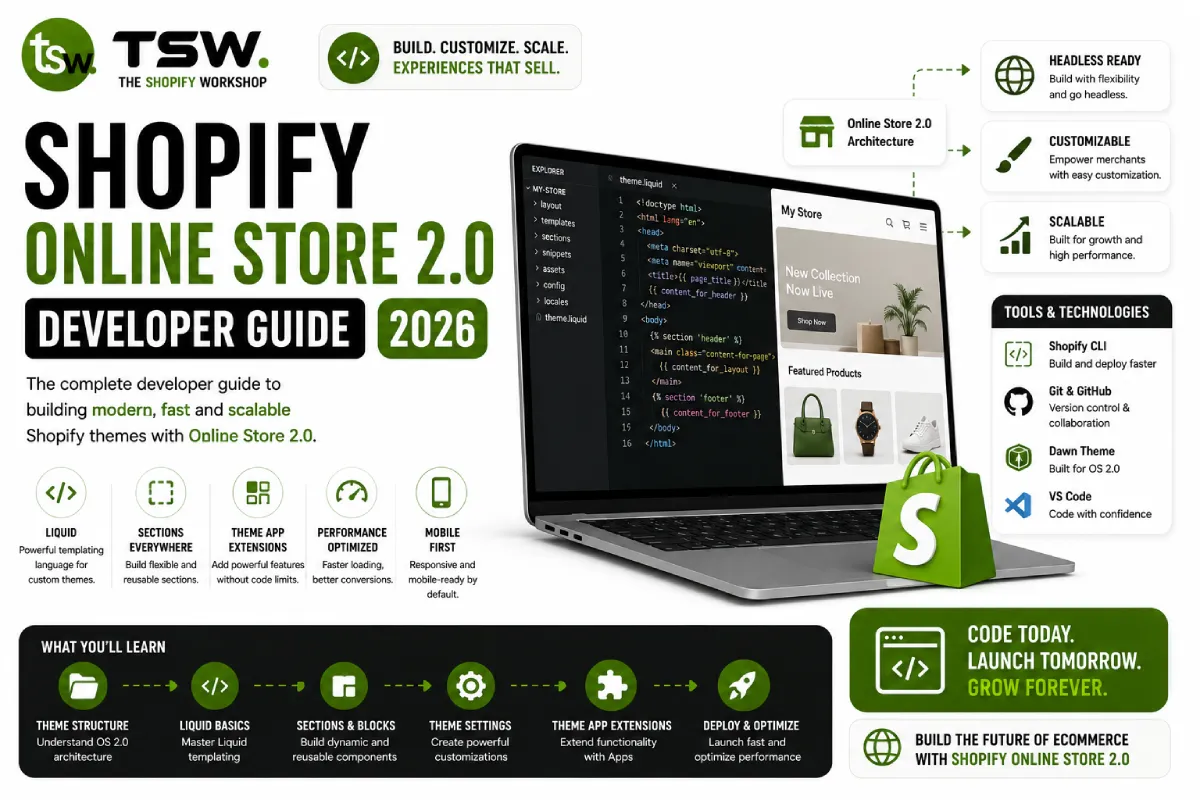
Online Store 2.0 fundamentally changed how Shopify themes are built. Moving from rigid Liquid templates to flexible JSON templates with sections everywhere empowers merchants while giving developers a more modular architecture. Every custom theme we build leverages these capabilities fully.
JSON Templates Explained
How JSON Templates Work
Instead of Liquid files defining page structure, JSON templates declare which sections appear on a page and in what order. The template file contains configuration, while sections contain the actual Liquid rendering logic. This separation enables theme editor customisation on every page type.
Creating Reusable Sections
Each section is a self-contained component with its own Liquid template, schema definition, CSS, and JavaScript. The schema defines settings that merchants control through the theme editor — text inputs, image pickers, colour selectors, product selectors, and more.
Sections Everywhere
Beyond the Homepage
Previously, only the homepage supported drag-and-drop sections. OS 2.0 extends this to product pages, collection pages, blog posts, cart, and custom pages. Merchants can add, remove, reorder, and configure sections without developer intervention.
Section Groups
Global areas like headers and footers use section groups — JSON files that define sections shared across all pages. This eliminates the need to include header and footer markup in every template.
App Blocks and App Embed
App Blocks
Third-party Shopify apps can define app blocks that merchants add to any section supporting blocks. This replaces the old approach of apps injecting code into theme files, making updates cleaner and reducing theme conflicts.
Theme App Extensions
Developers build theme app extensions that include app blocks, app embed blocks (for floating elements like chat widgets), and assets. These are managed through the Shopify Partners dashboard and deployed independently of the theme.
Metafields and Dynamic Sources
Connecting Data to Sections
Dynamic sources allow section settings to pull data from metafields rather than static values. A product section can display custom fields — material composition, care instructions, or sizing guides — all editable through the Shopify admin without touching code.
Metaobjects
Metaobjects extend this further by creating structured content types. Build custom data models for things like store locations, team members, or FAQ entries that merchants manage through a familiar admin interface.
Migration Strategy
Converting a legacy theme to OS 2.0 requires refactoring templates into JSON format, extracting hardcoded content into section settings, and implementing dynamic sources. Our team handles this migration as part of theme development projects, ensuring zero downtime and full feature parity.
Ready to modernise your Shopify theme? Contact our development team for an OS 2.0 upgrade assessment.